Features
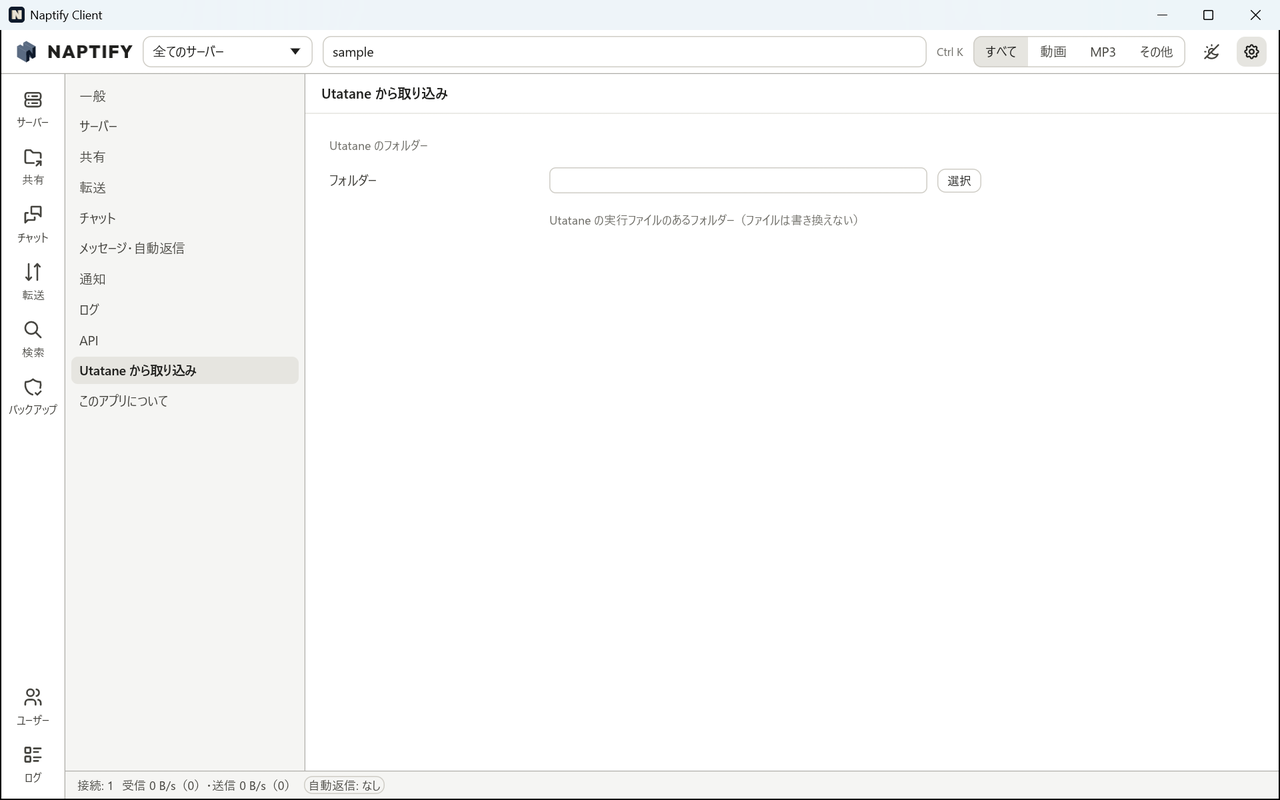
Import from Utatane
Imports the server list, user list, block list, share settings and settings. Utatane’s files are left untouched.
Distributed download
Receives the same file from several users at once. It works even when the owners use existing clients such as Utatane.
Encrypted connections
Encrypts connections to the server and file transfers between users. You can choose it for each server.
UTF-8 and emoji
Talks to supporting servers in UTF-8, so emoji and ™ arrive intact.
NAP Global Mesh Backup
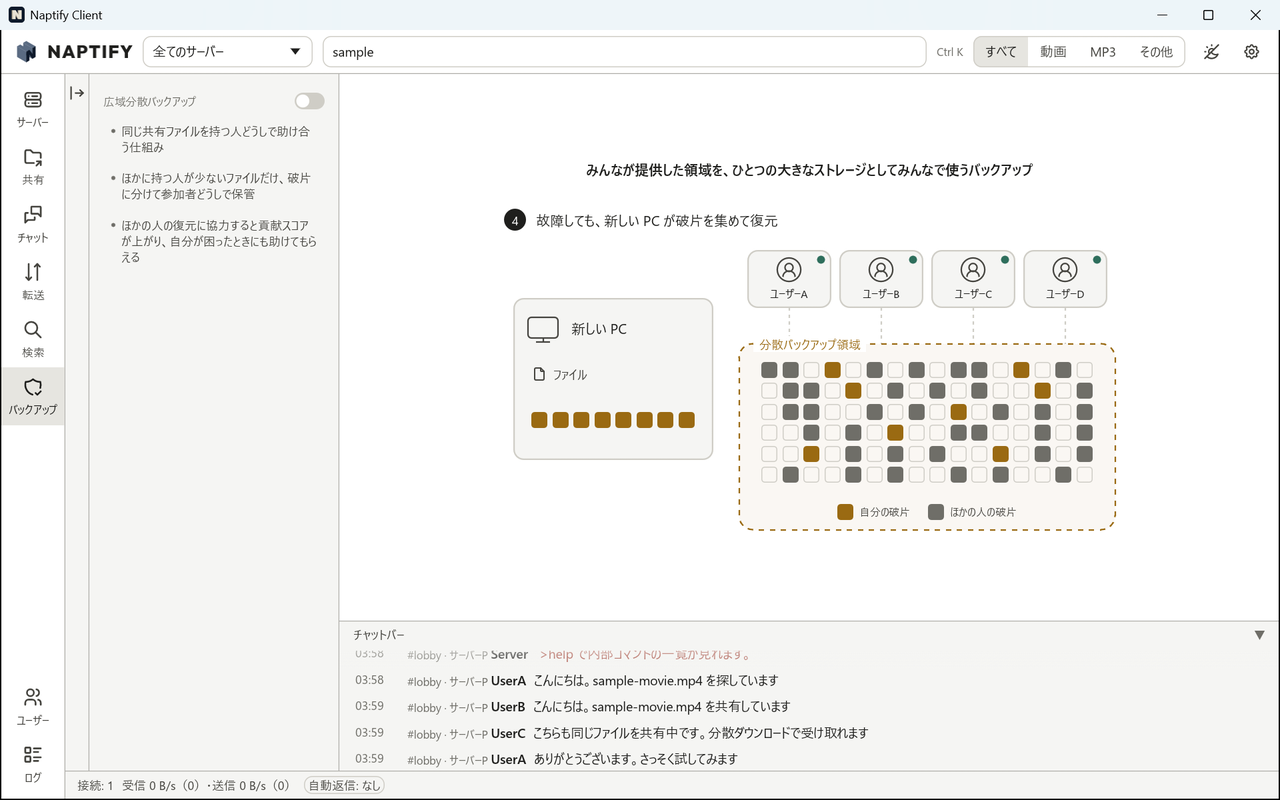
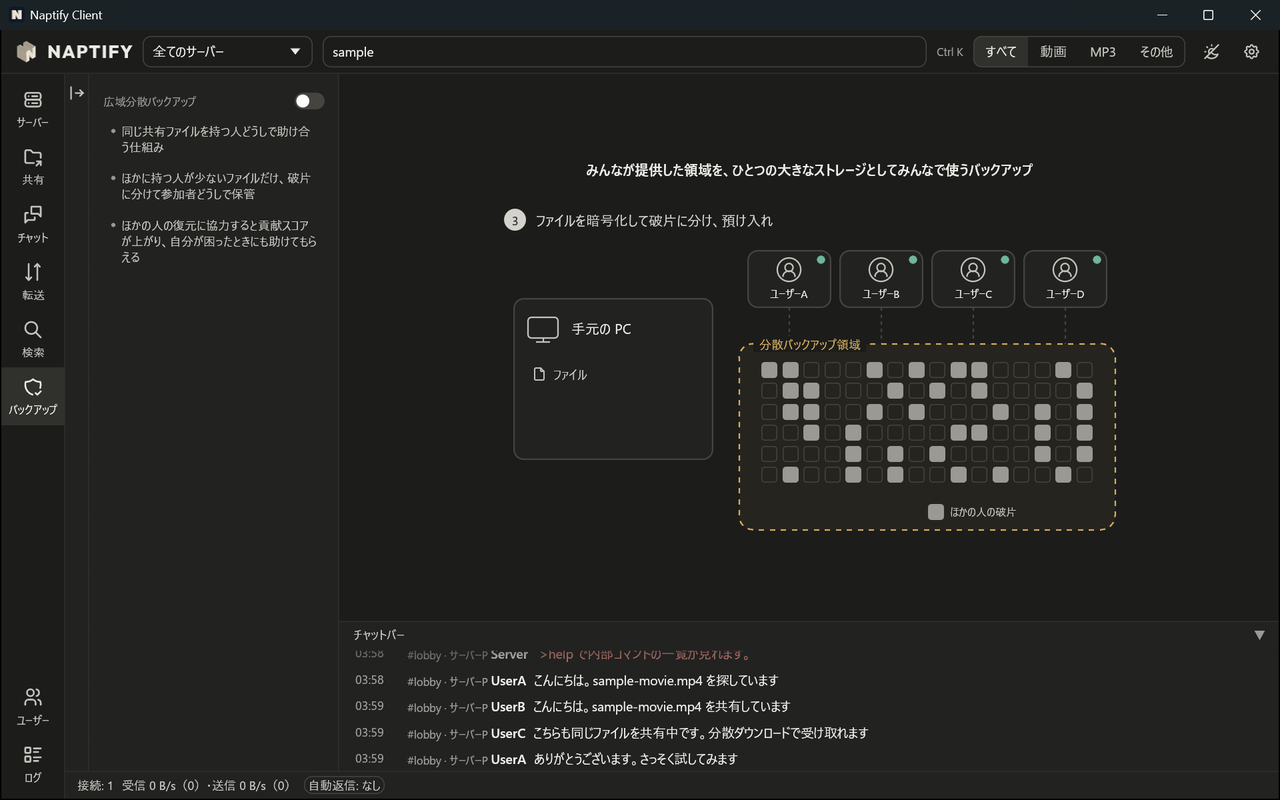
Encrypts files, splits them into Seeds and stores them in other users’ Mesh Storage. Restore with your phone passkey. Off by default.
Port opening
Checks whether the data port is open, and can open it automatically with UPnP (off by default).
Tray and notifications
Keeps transfers running in the tray after the window is closed. Windows notifications tell you about IMs and finished downloads, and you can reply to an IM from its notification.
Connecting other tools
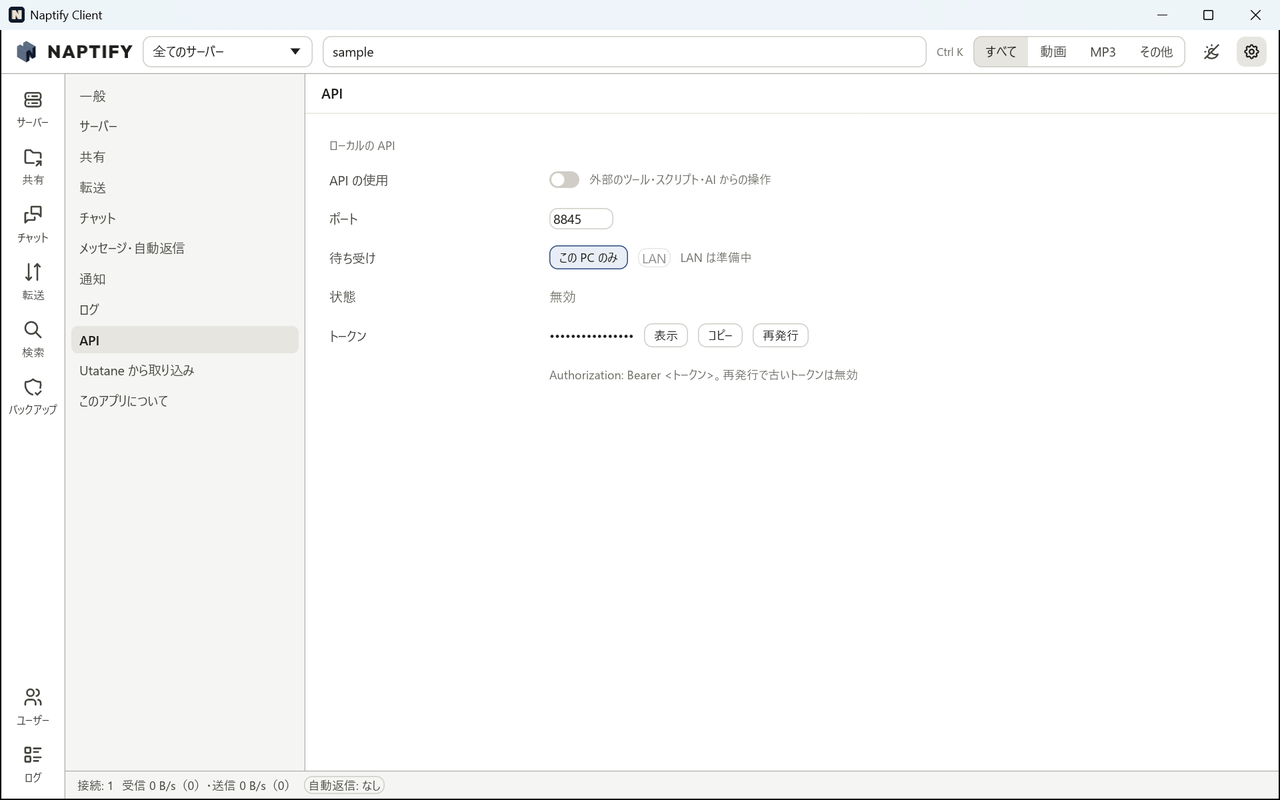
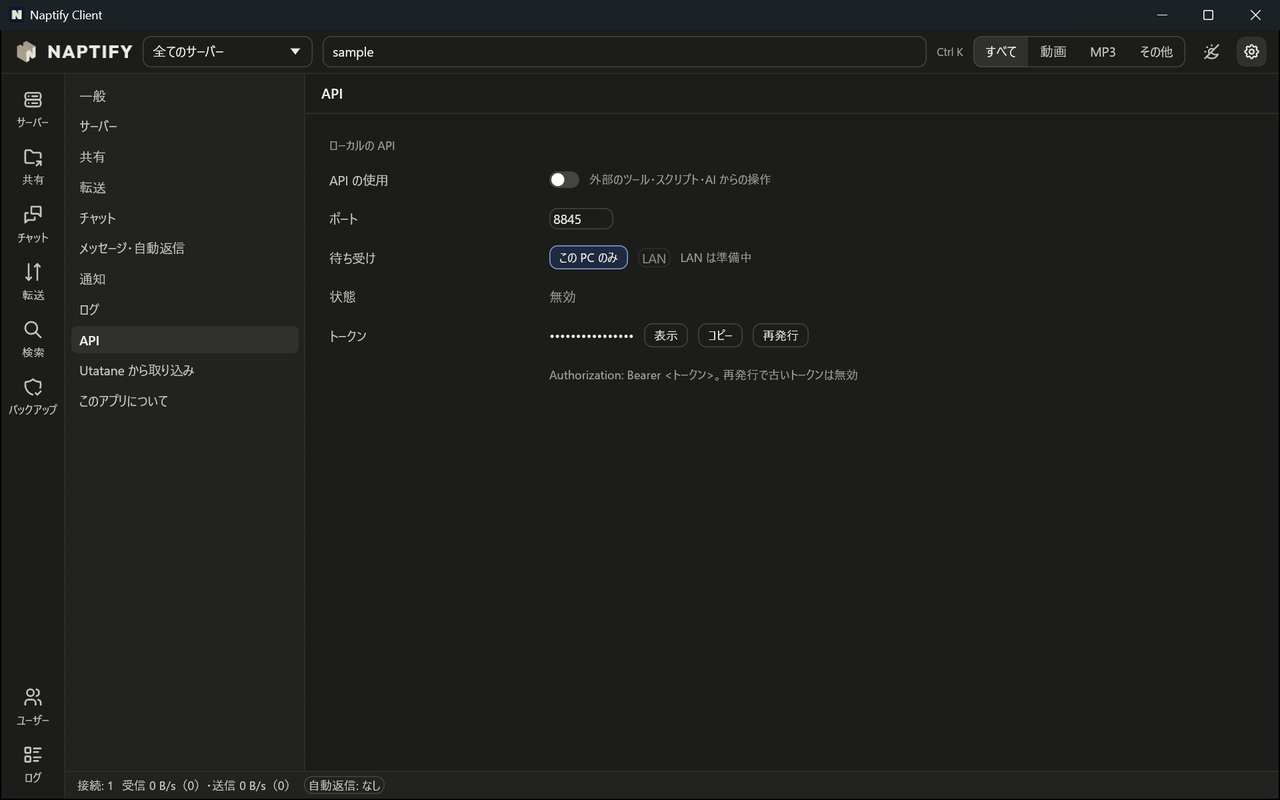
A local HTTP interface (API), usable only from this PC, lets other tools control the client. Off by default.
Japanese, English and more languages
Available in Japanese and English. Put a language file (.lng) next to the program to add more languages.
Distributed download
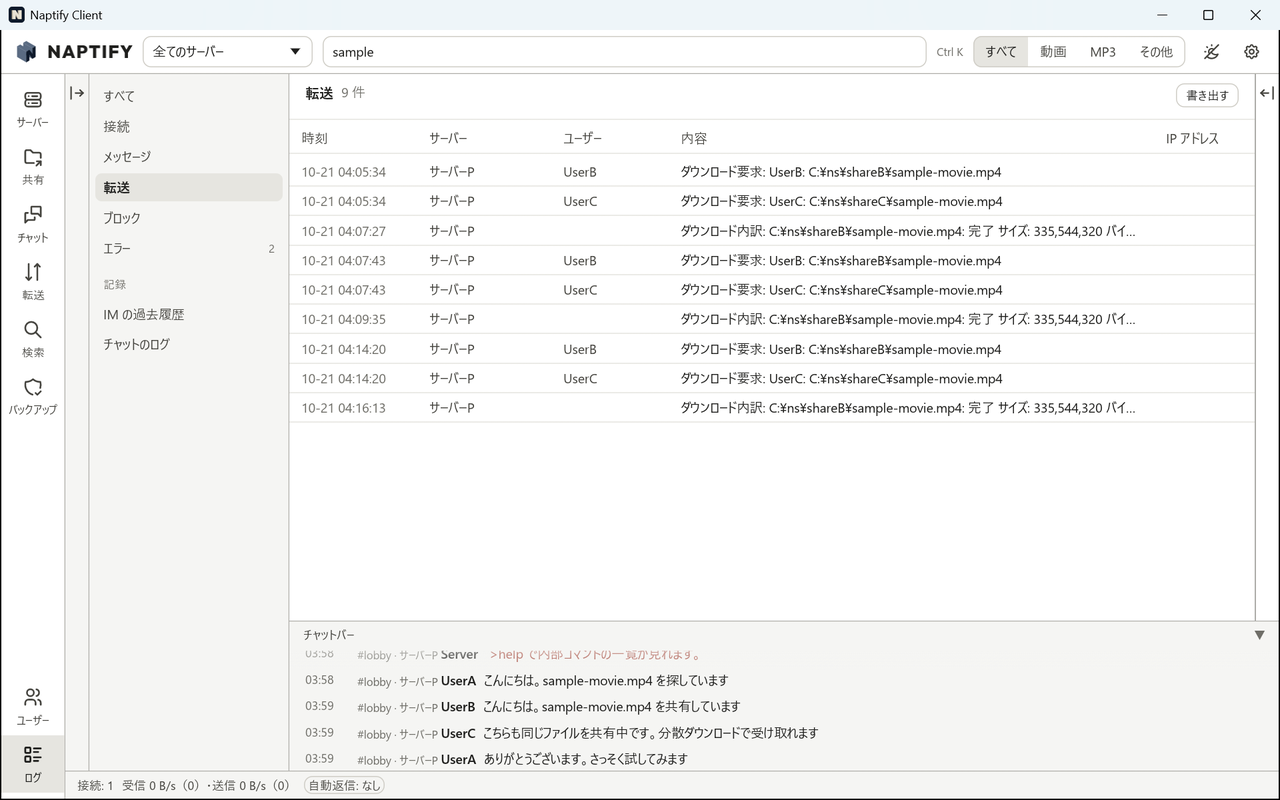
Downloads one file from several owners at once, in small pieces. The more owners there are, the faster it goes, and the owners can use existing clients such as Utatane.

- The file is split into pieces and received from several owners at once
- The more owners, the faster it goes; if an owner leaves, others take over its pieces
- Works when the owners use existing clients such as Utatane
- When the owners use NAPTIFY Client, every block is checked by hash and any owner who sends different data is dropped
How to use it
- Search for a file
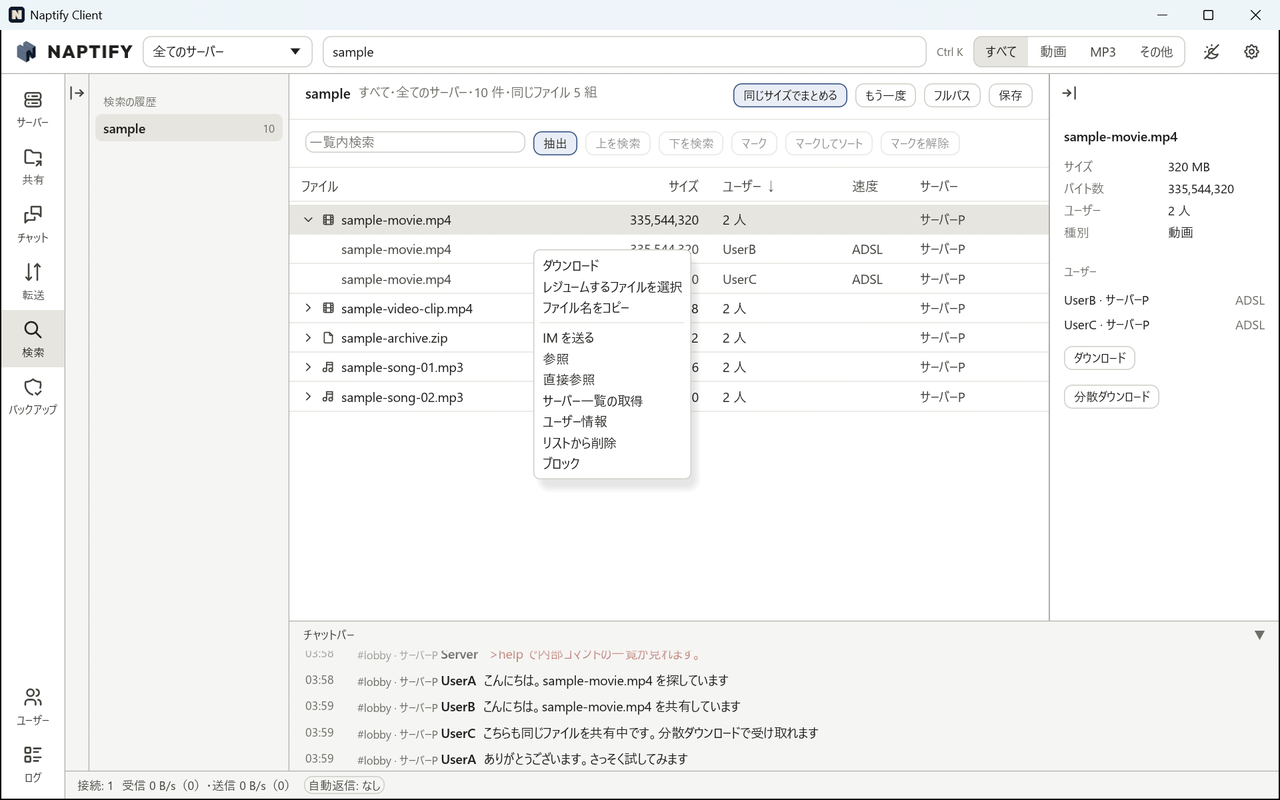
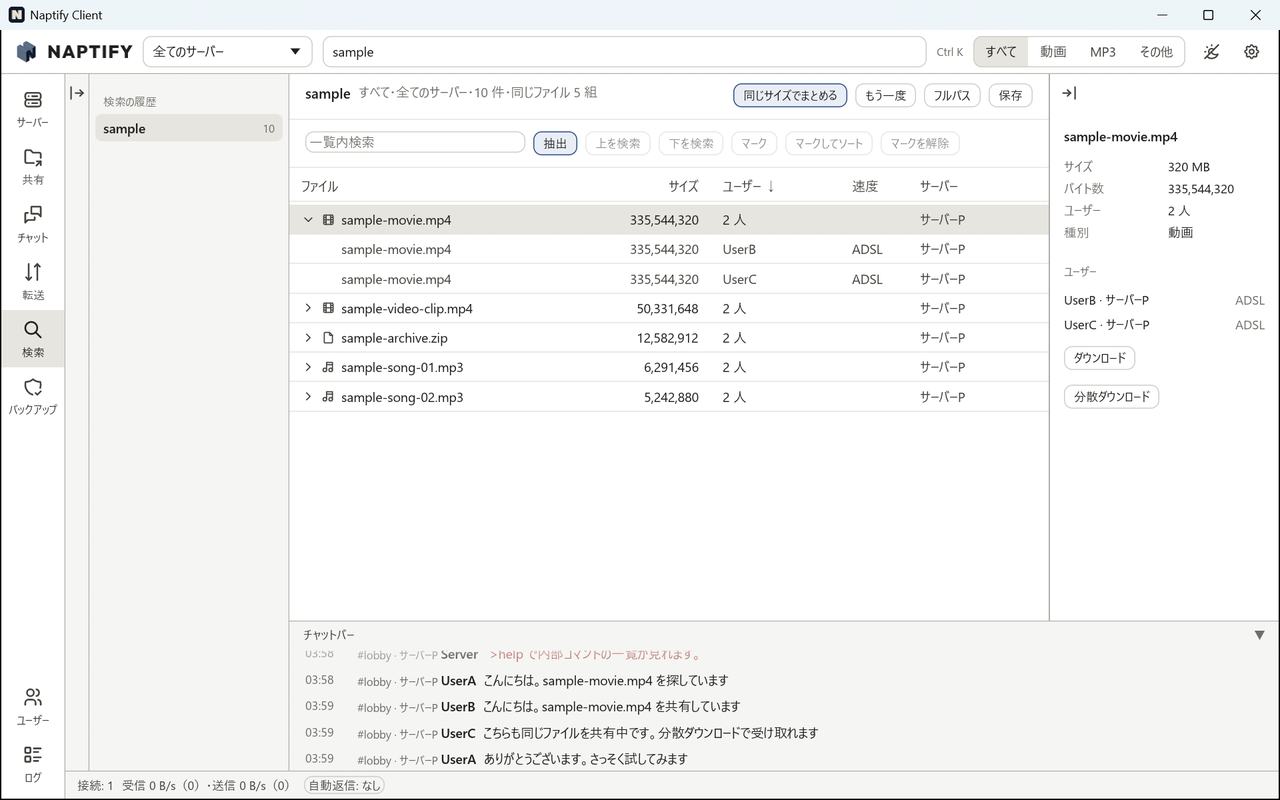
- Turn on “Group same size” in the search results header so that the same file is listed as one group (two or more owners)
- Choose “Multi-source download” (the button on the right, or the right-click menu)
For details, see Distributed download.
Screenshots
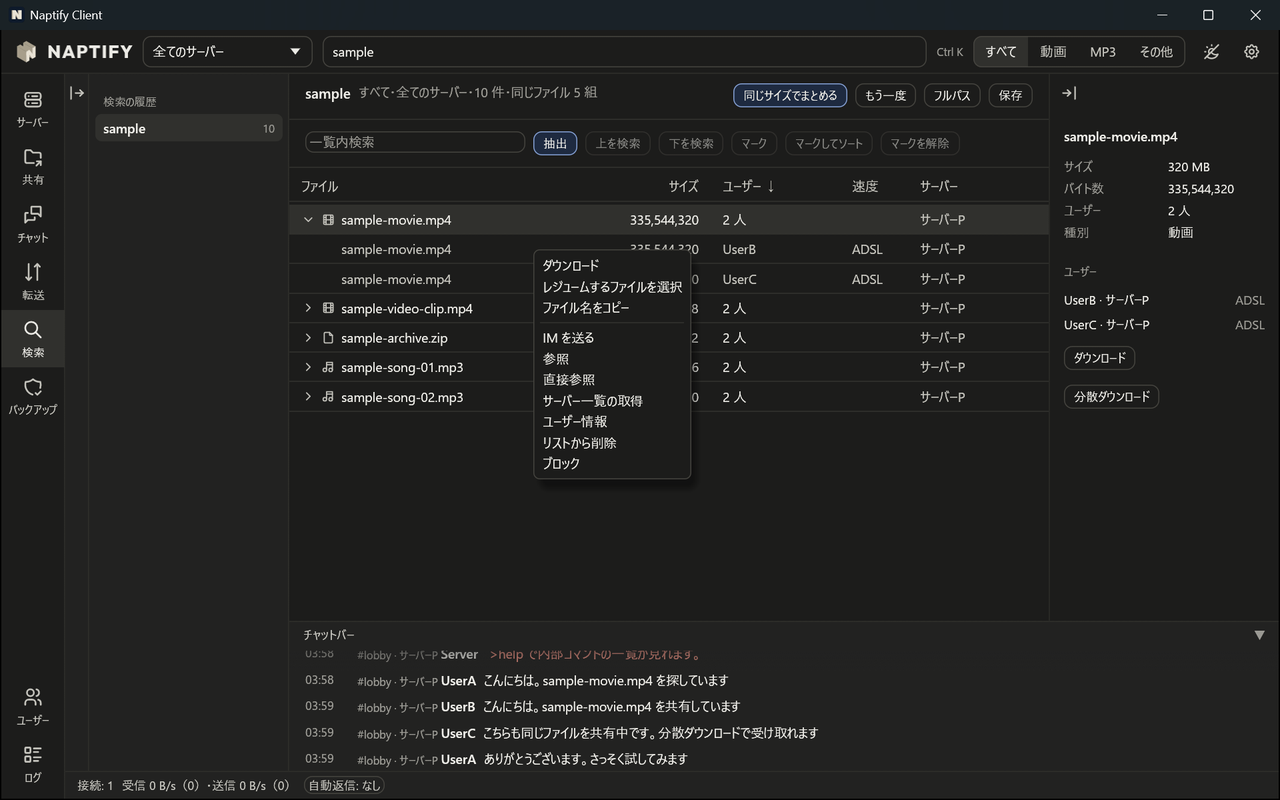
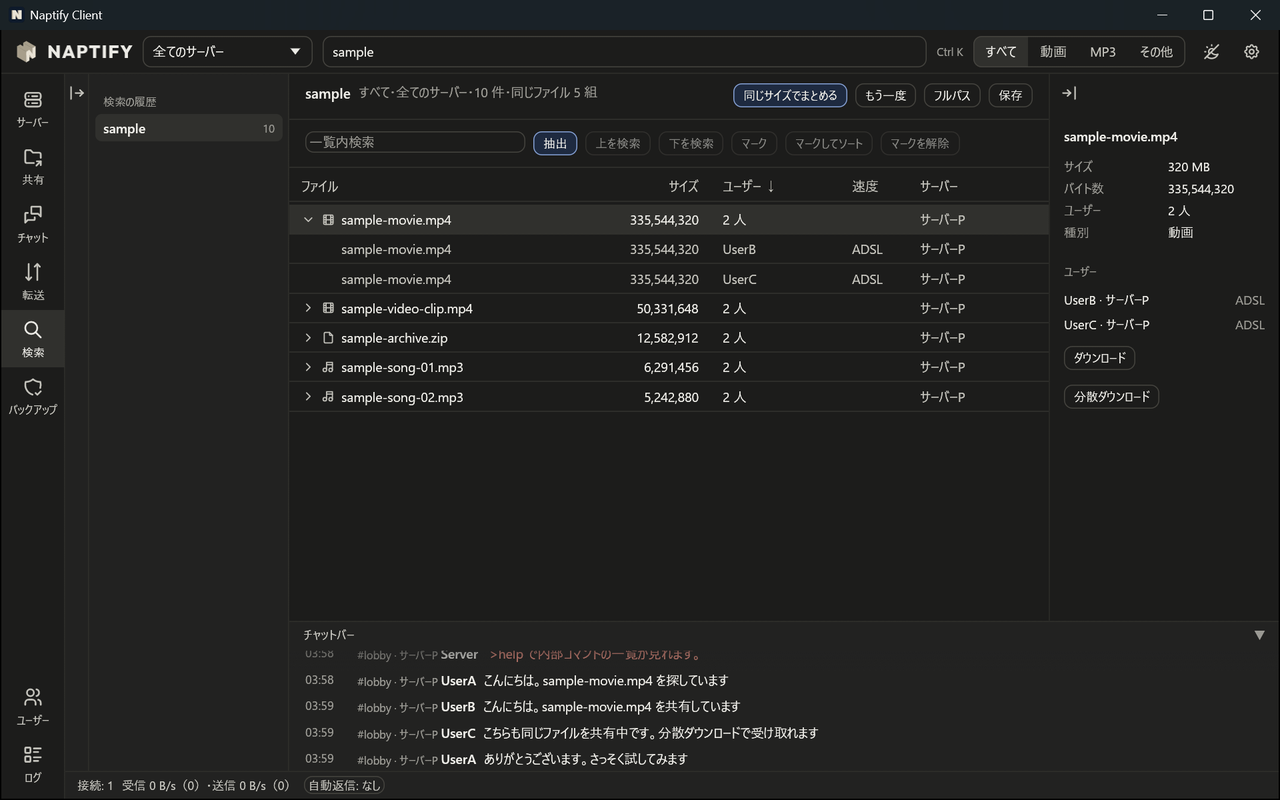
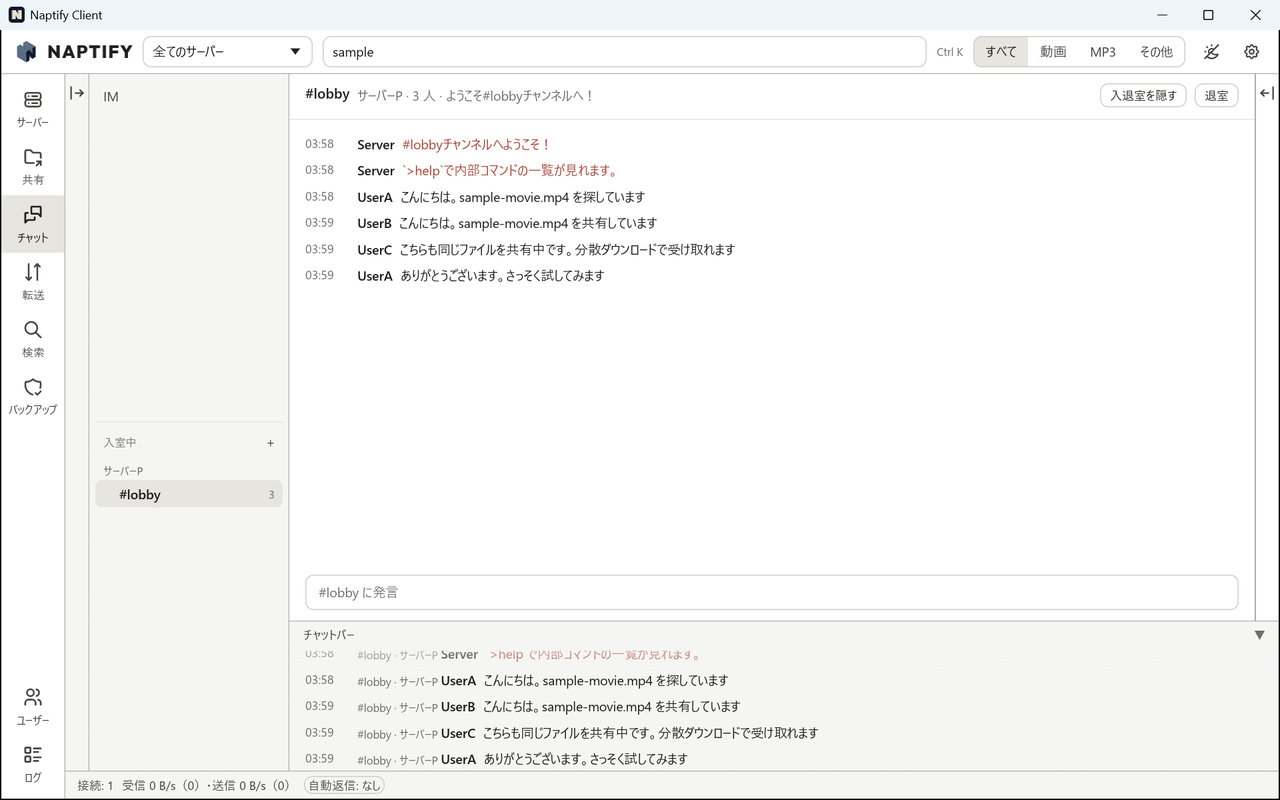
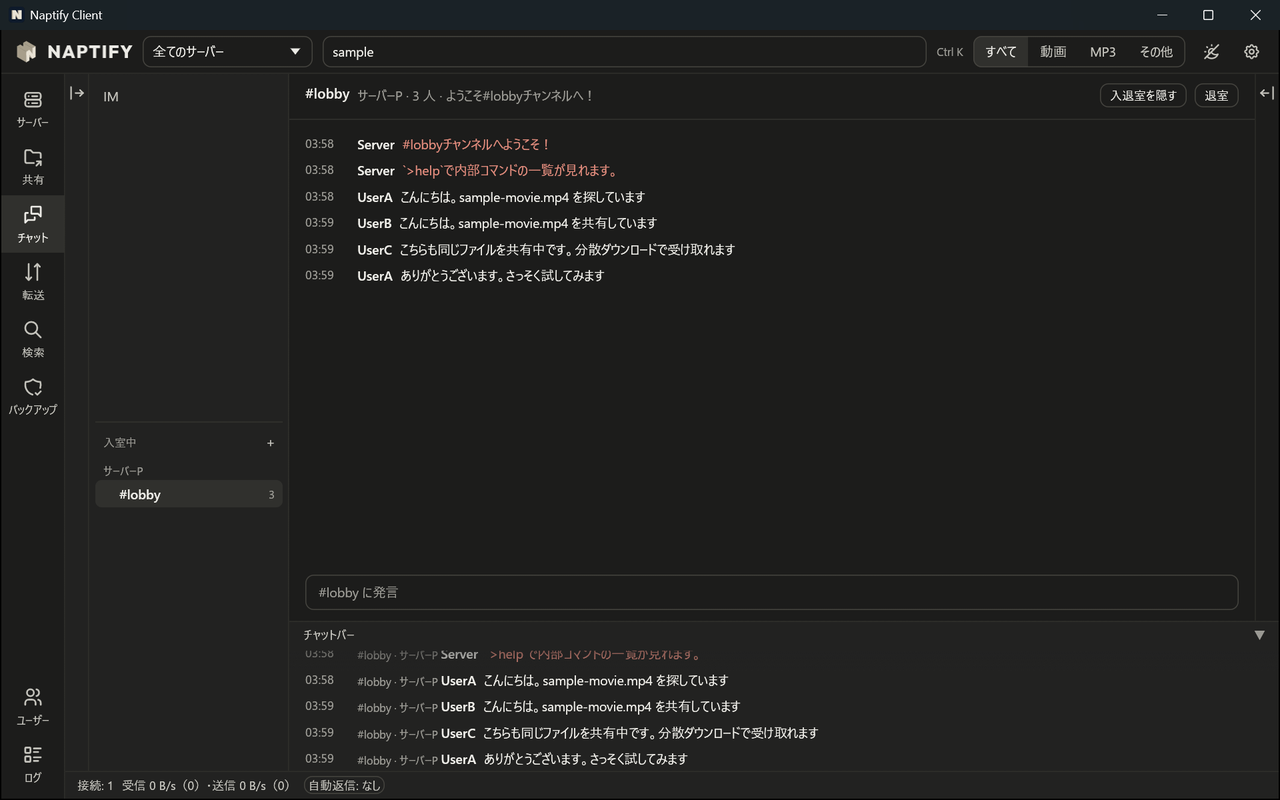
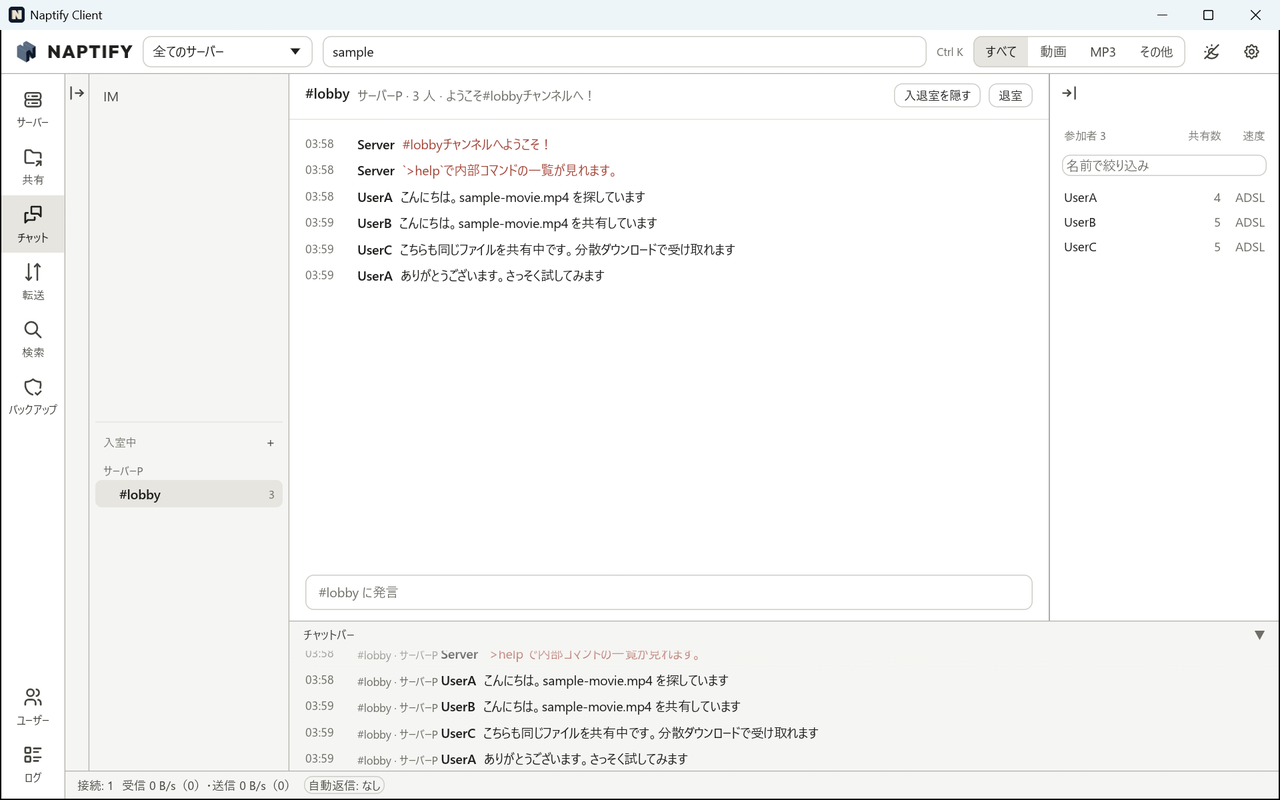
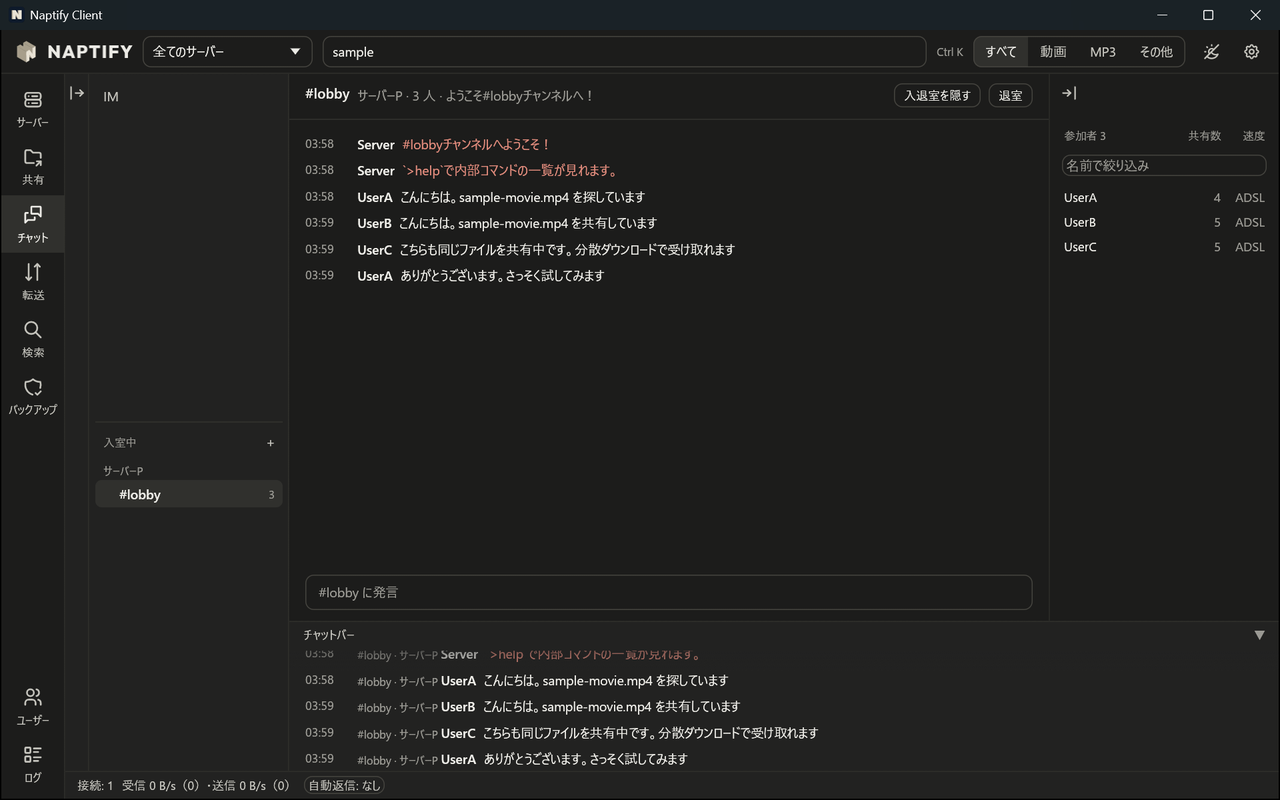
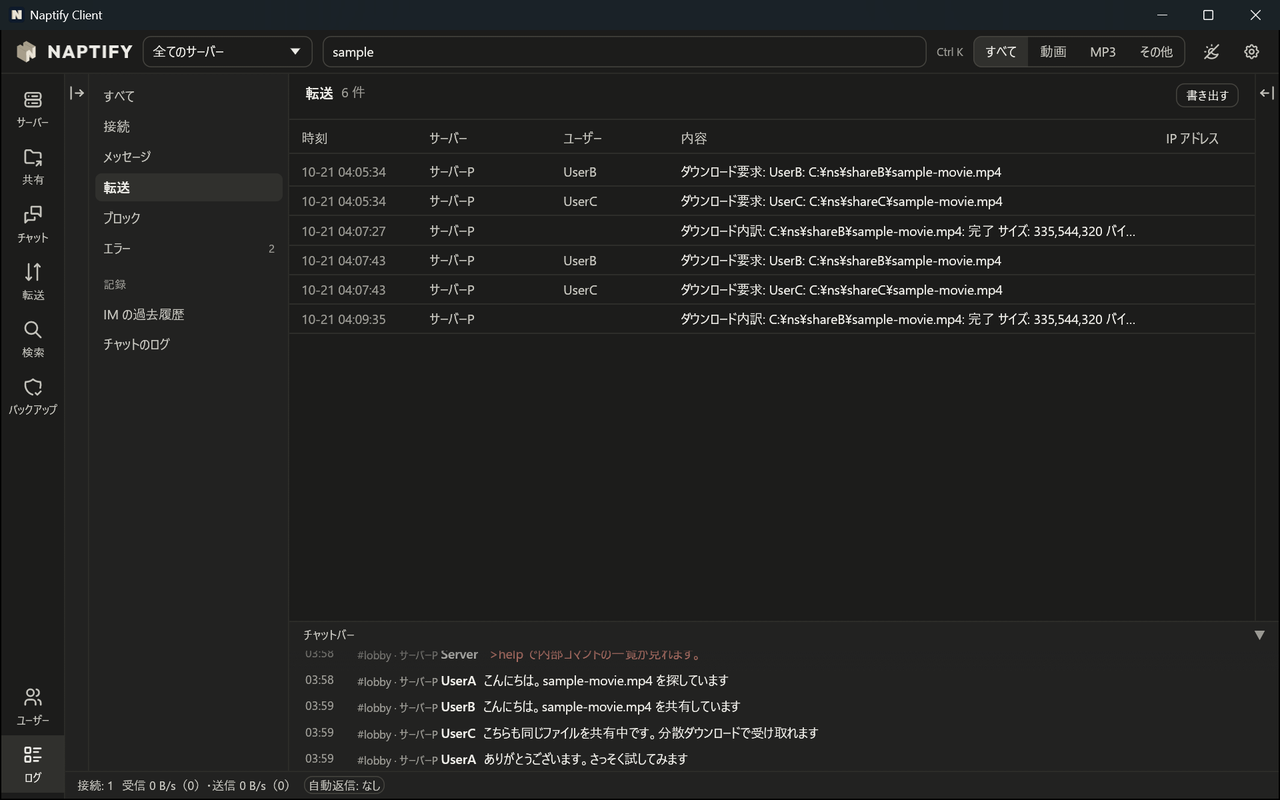
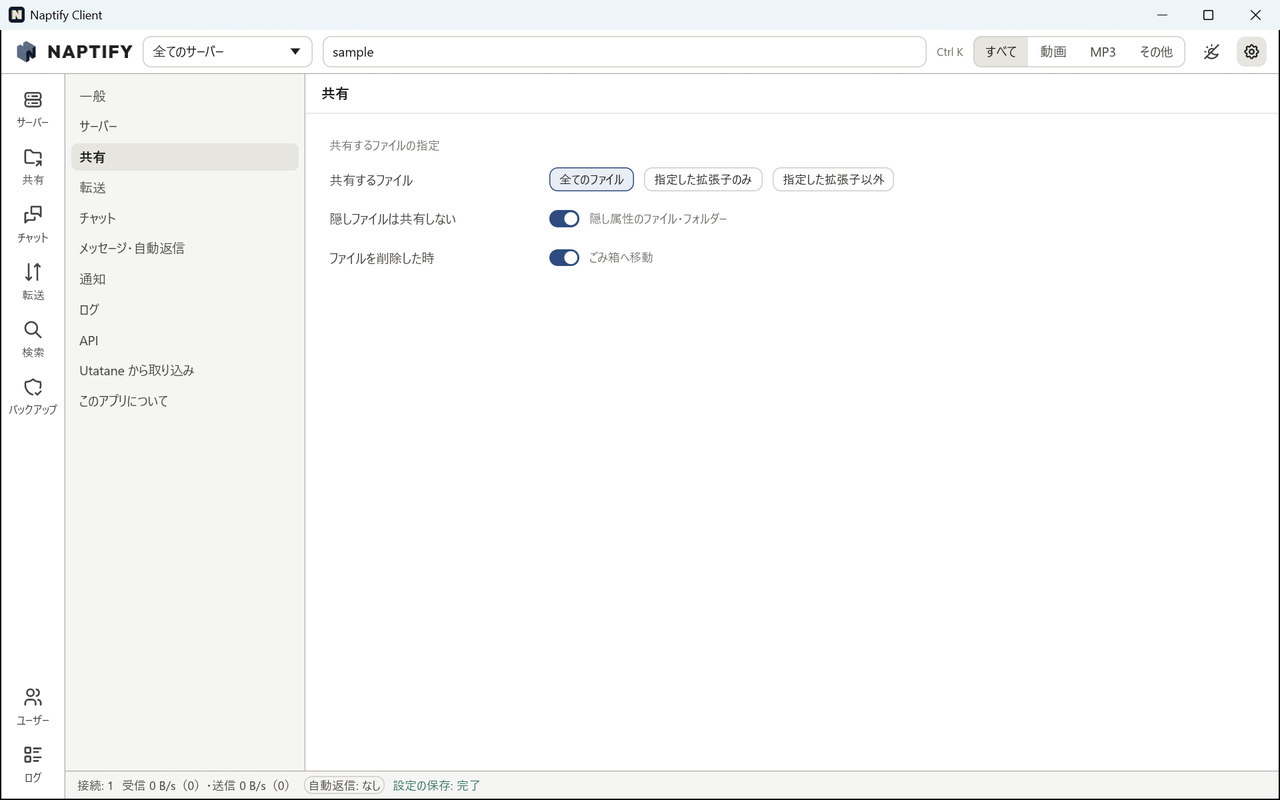
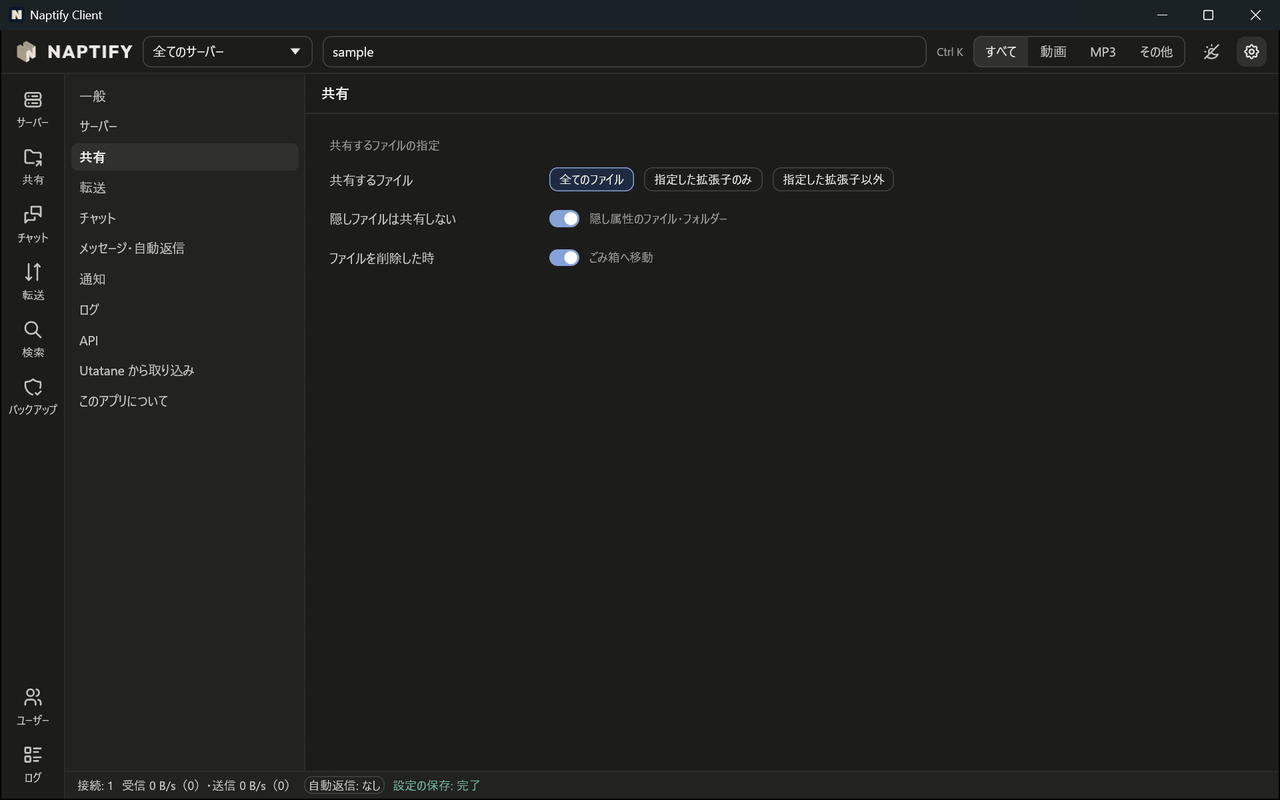
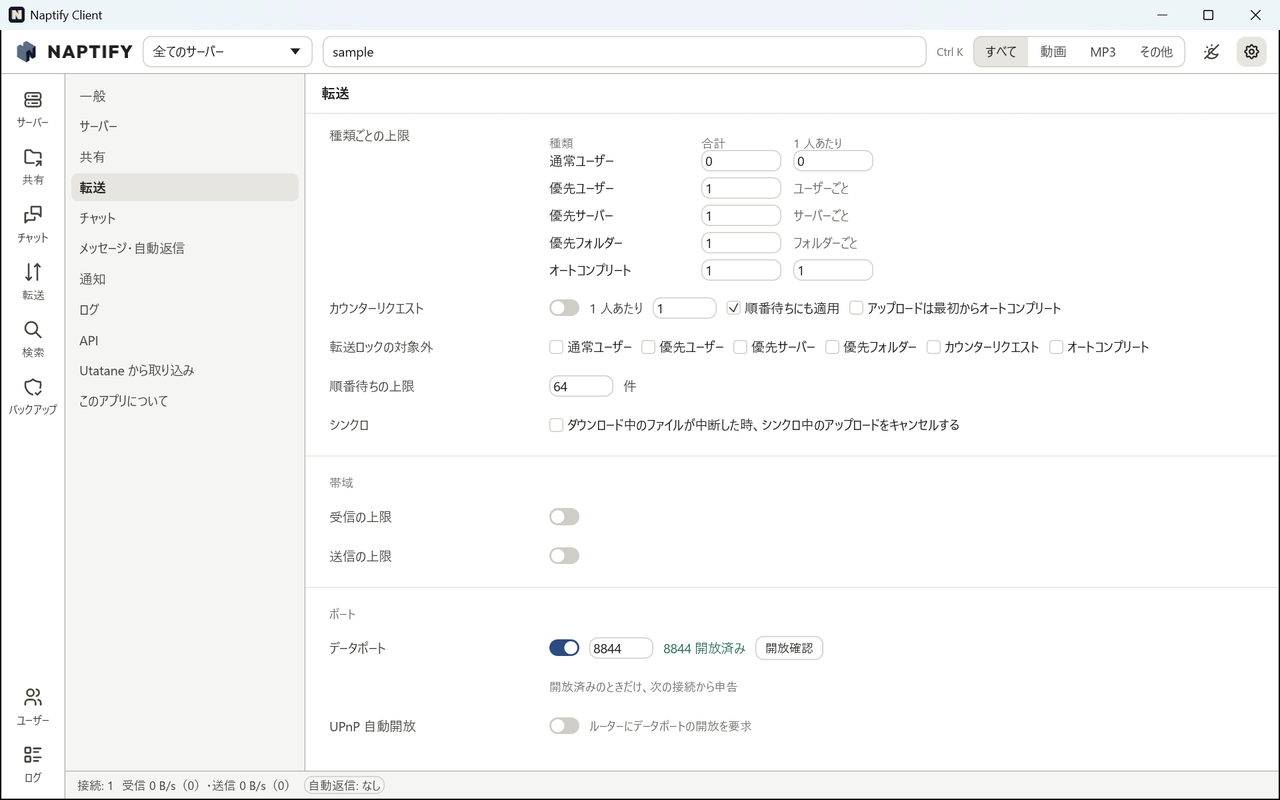
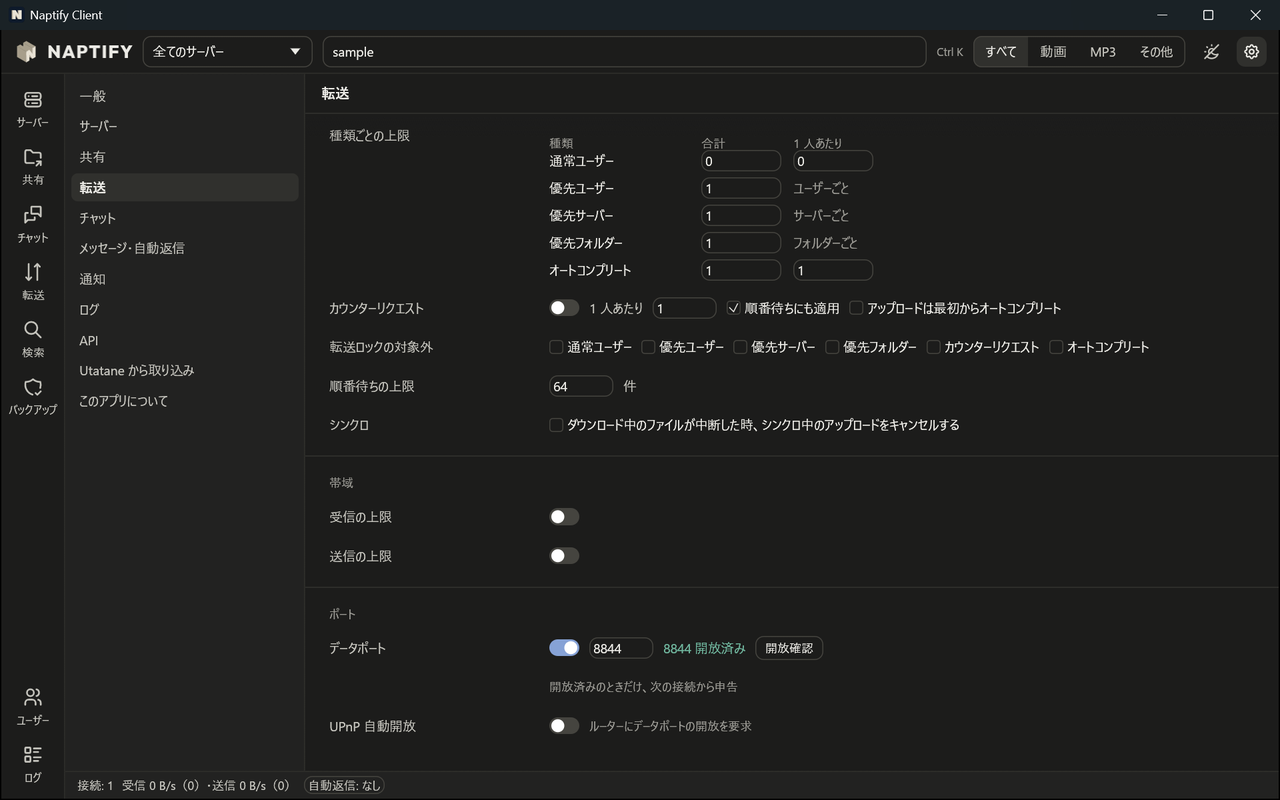
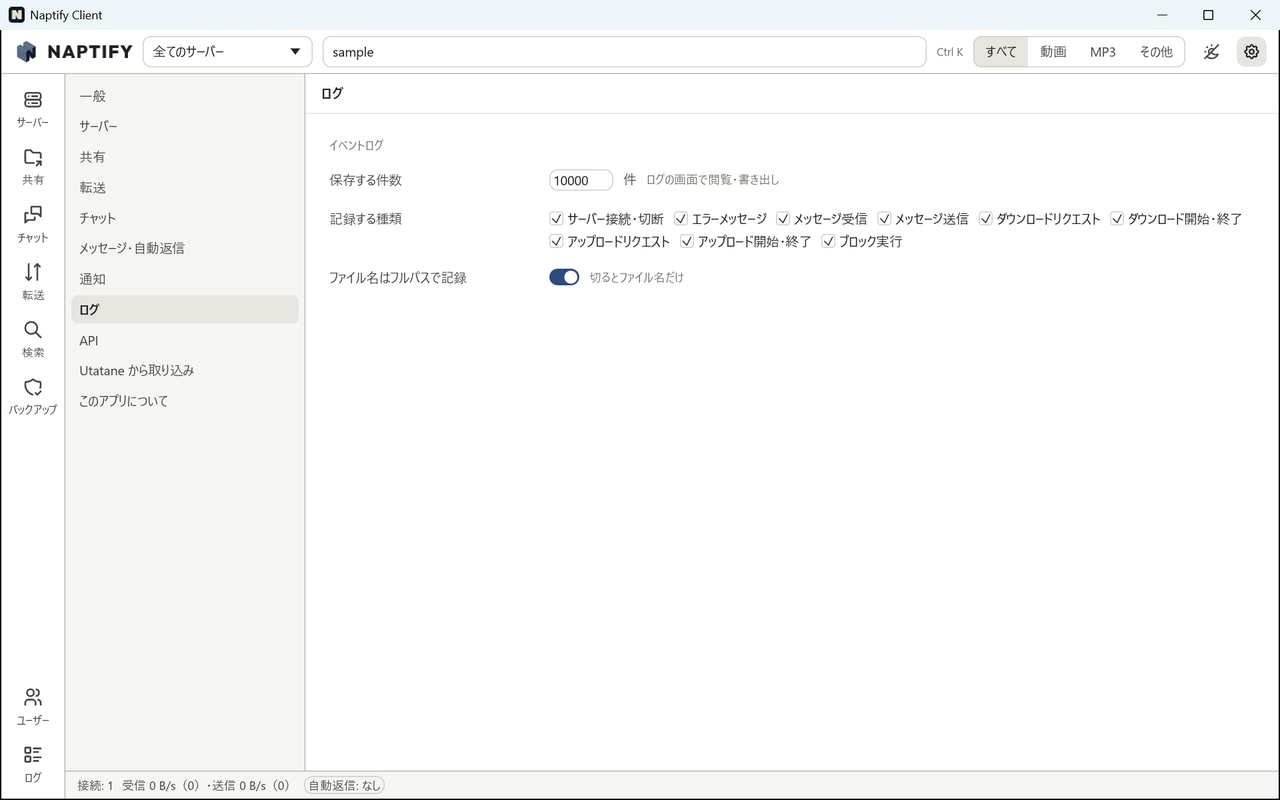
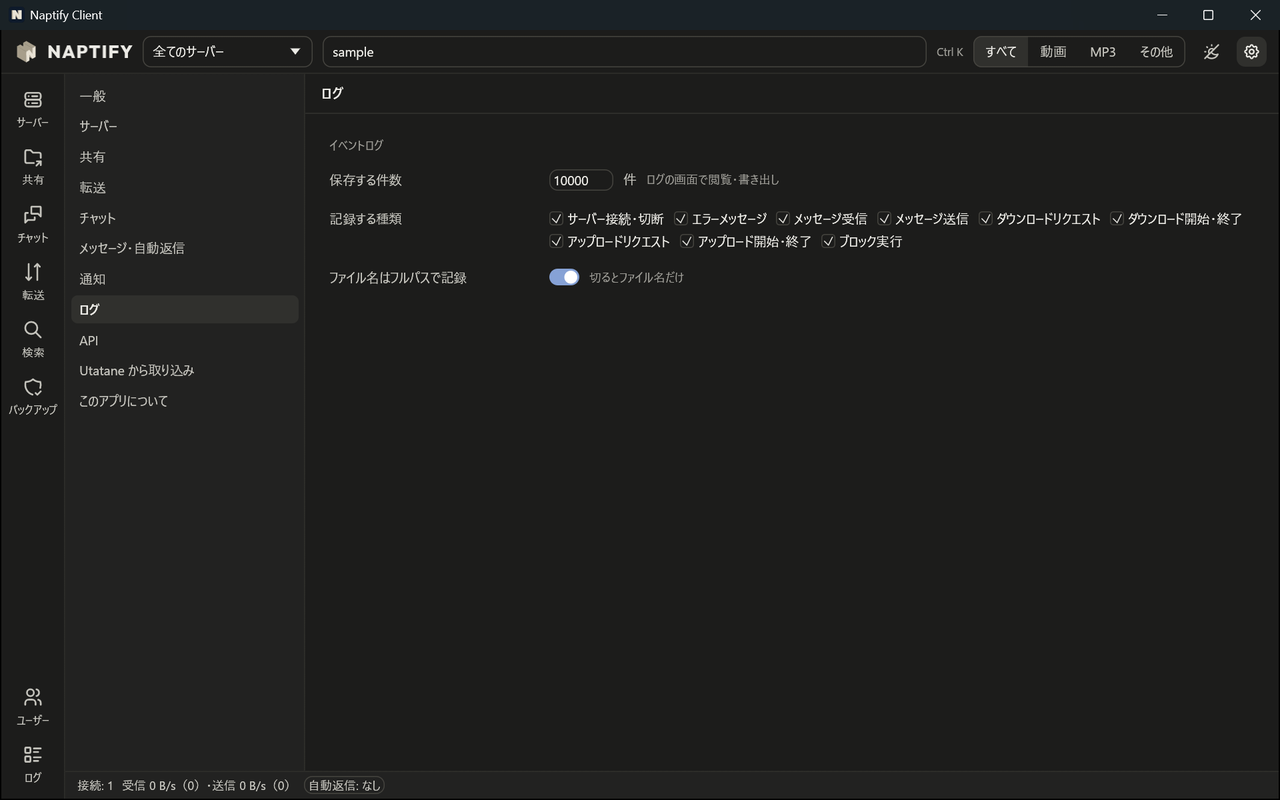
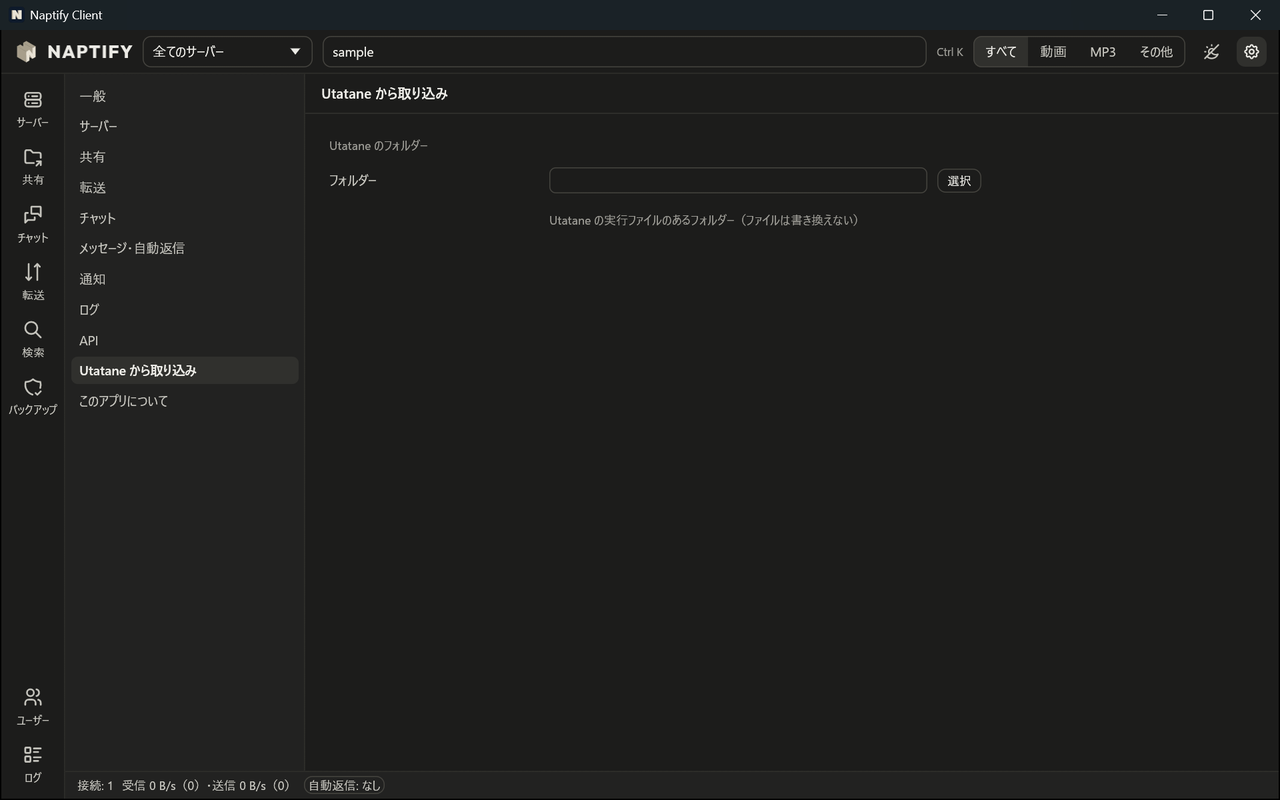
The pages are stacked; turn them with Previous and Next, and drag across an image to compare the light and dark themes.
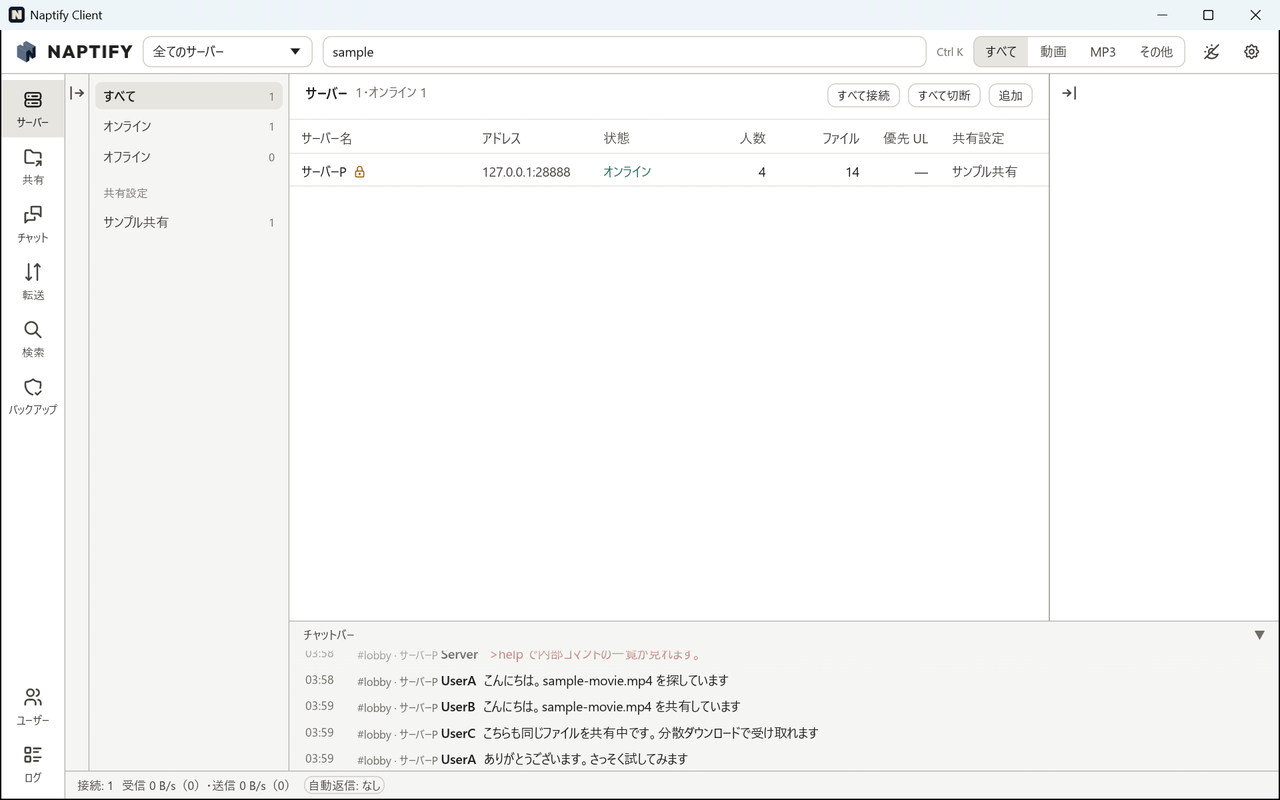
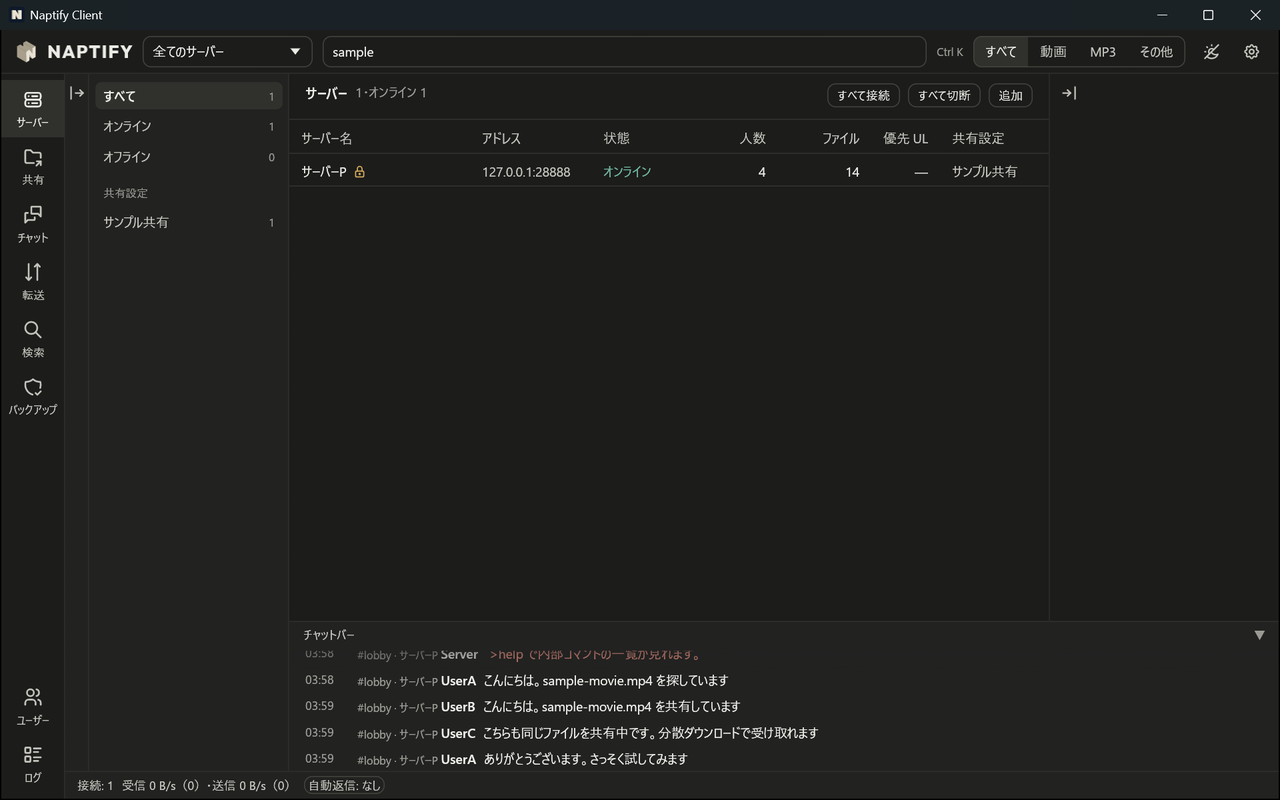
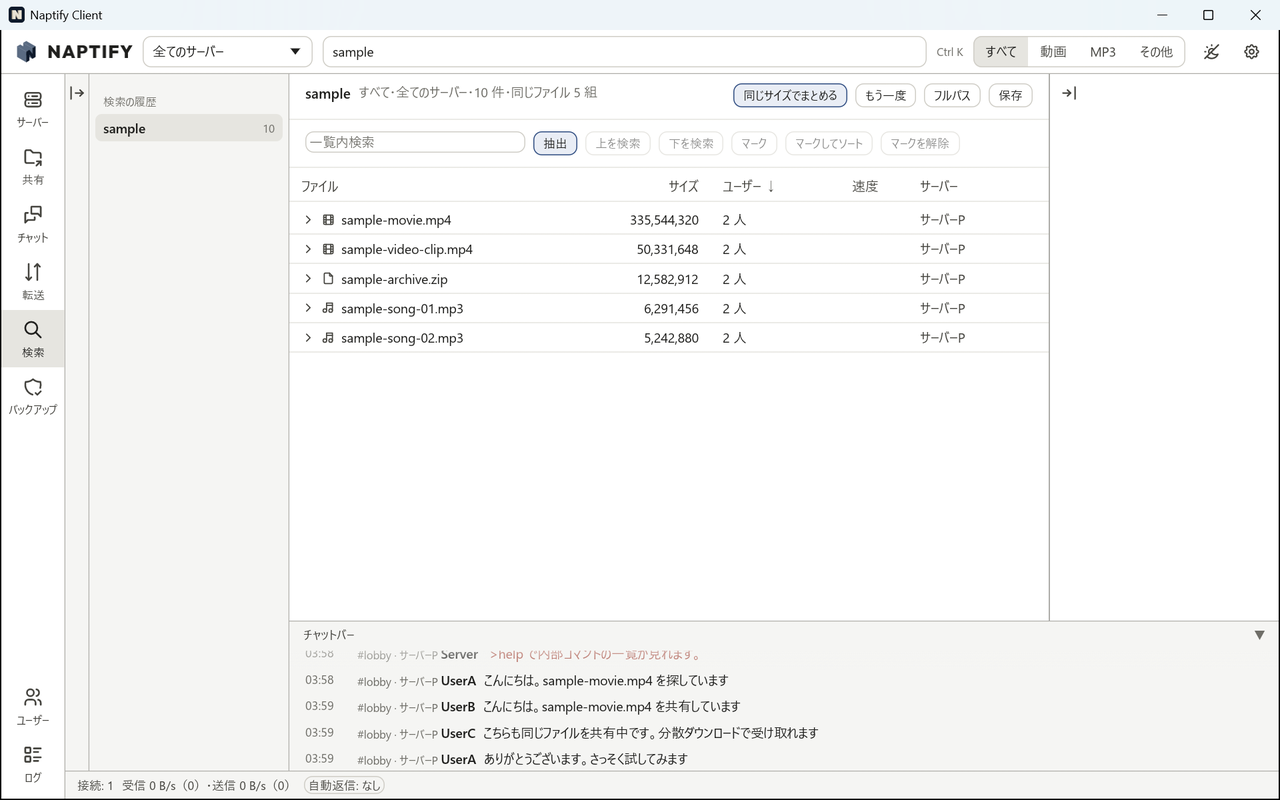
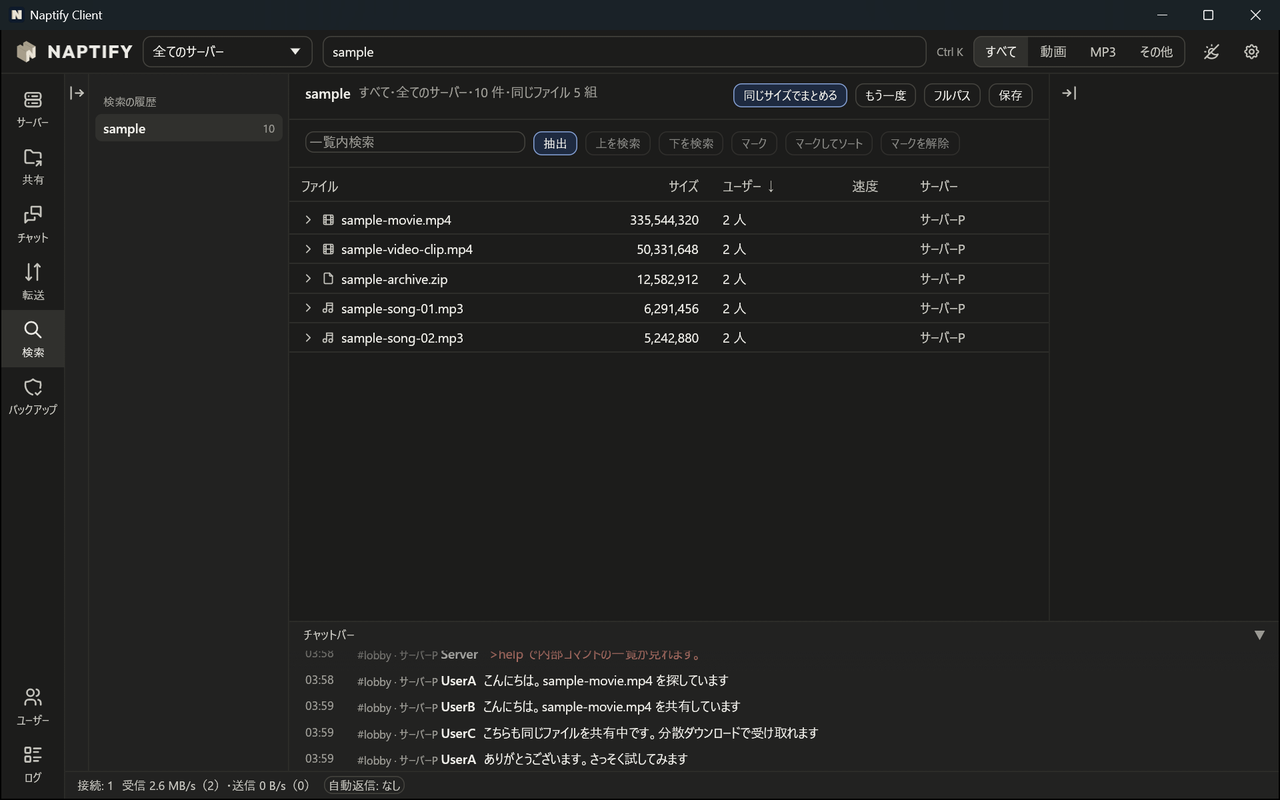
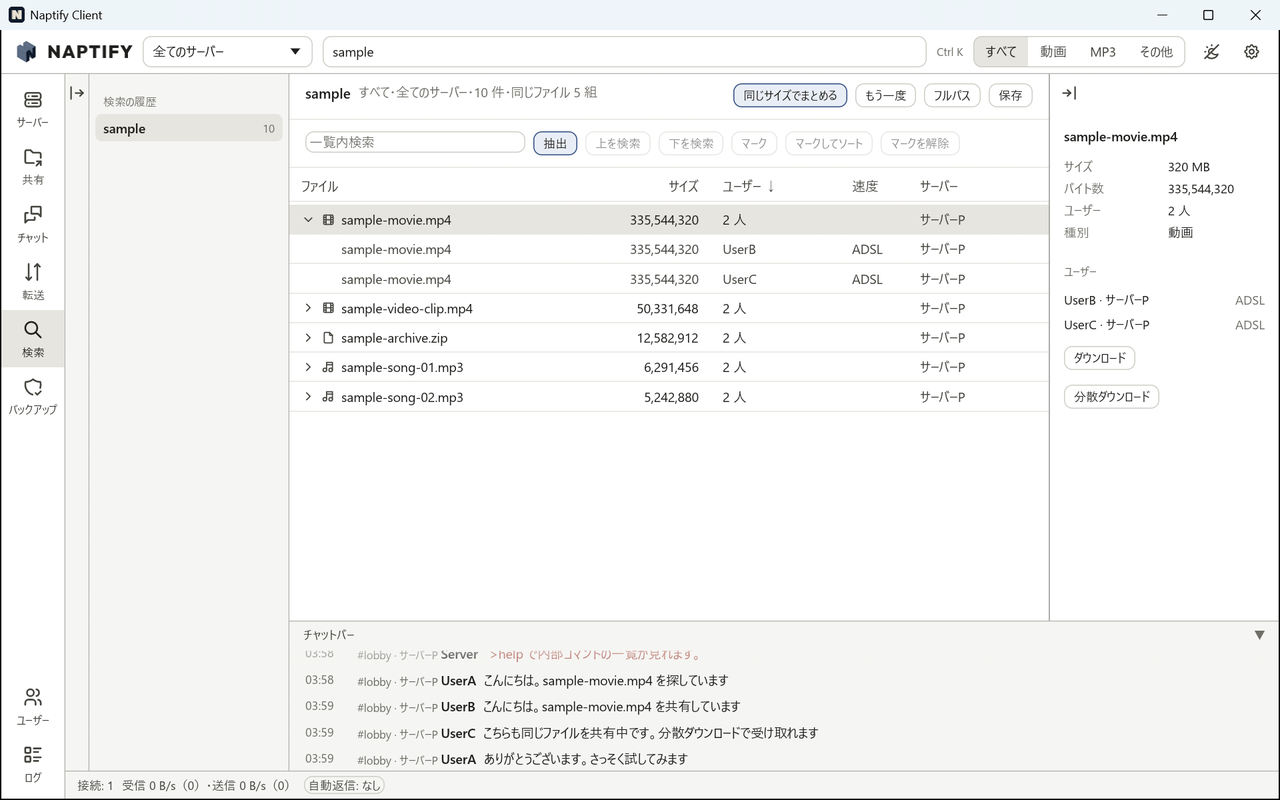
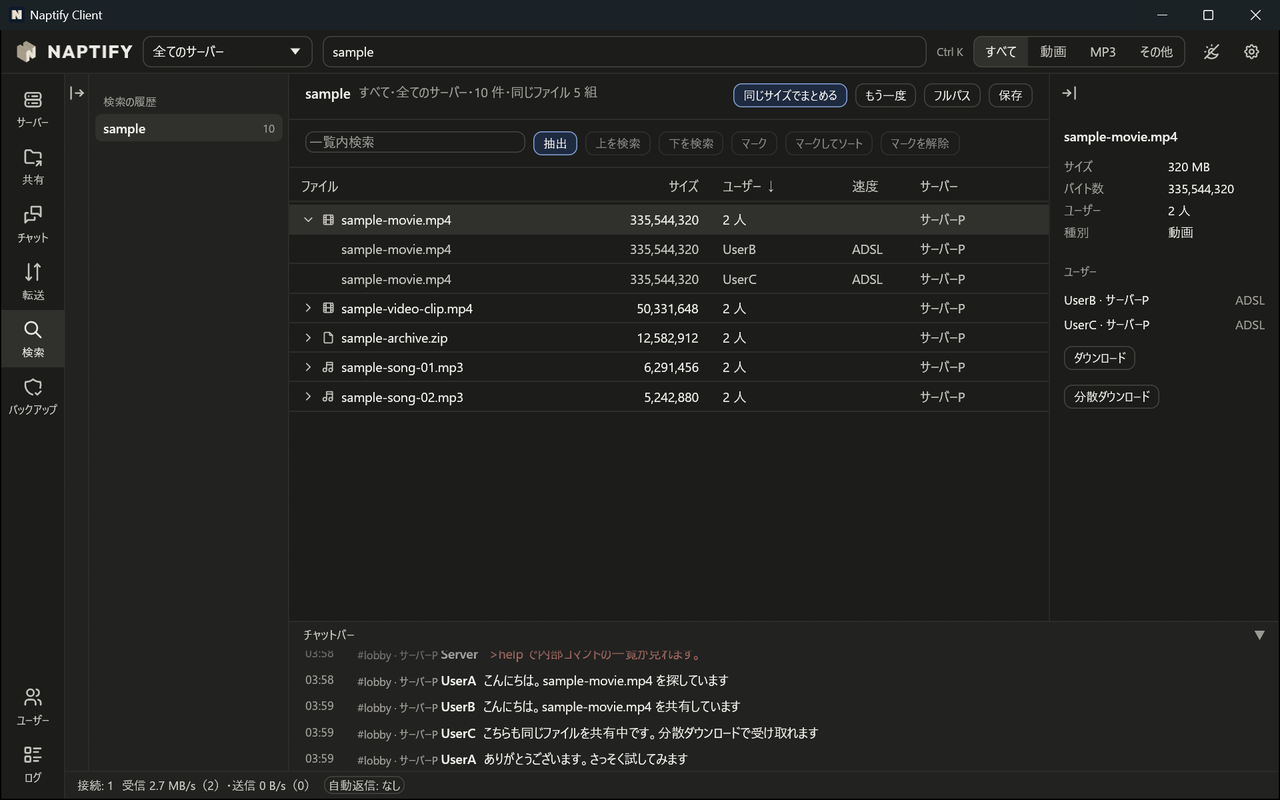
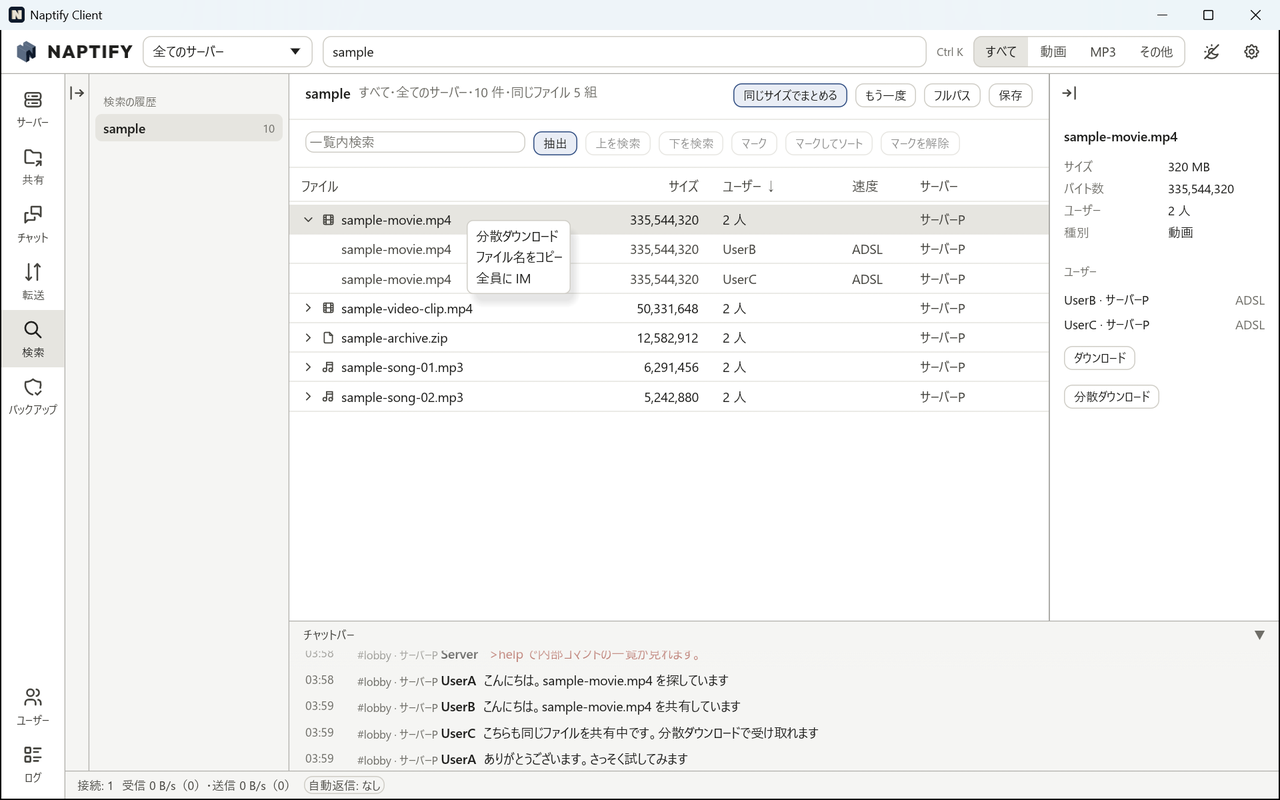
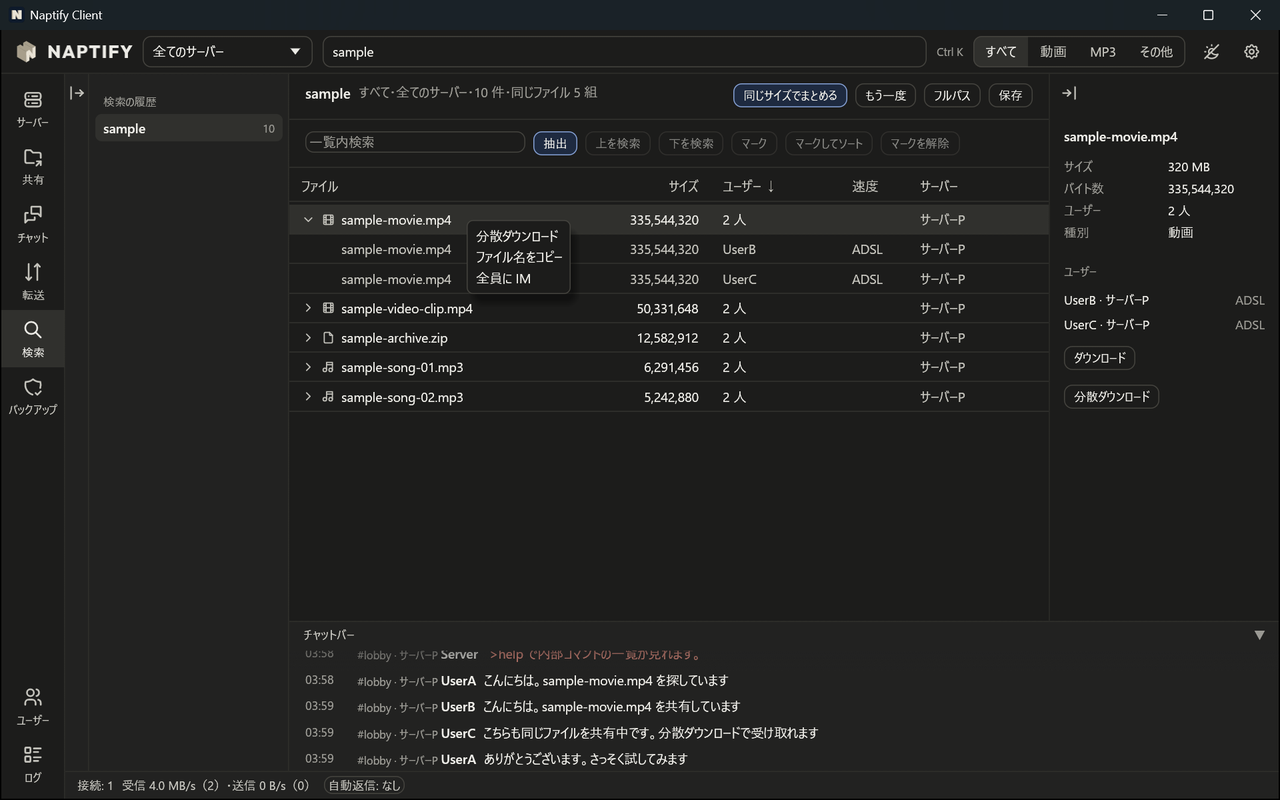
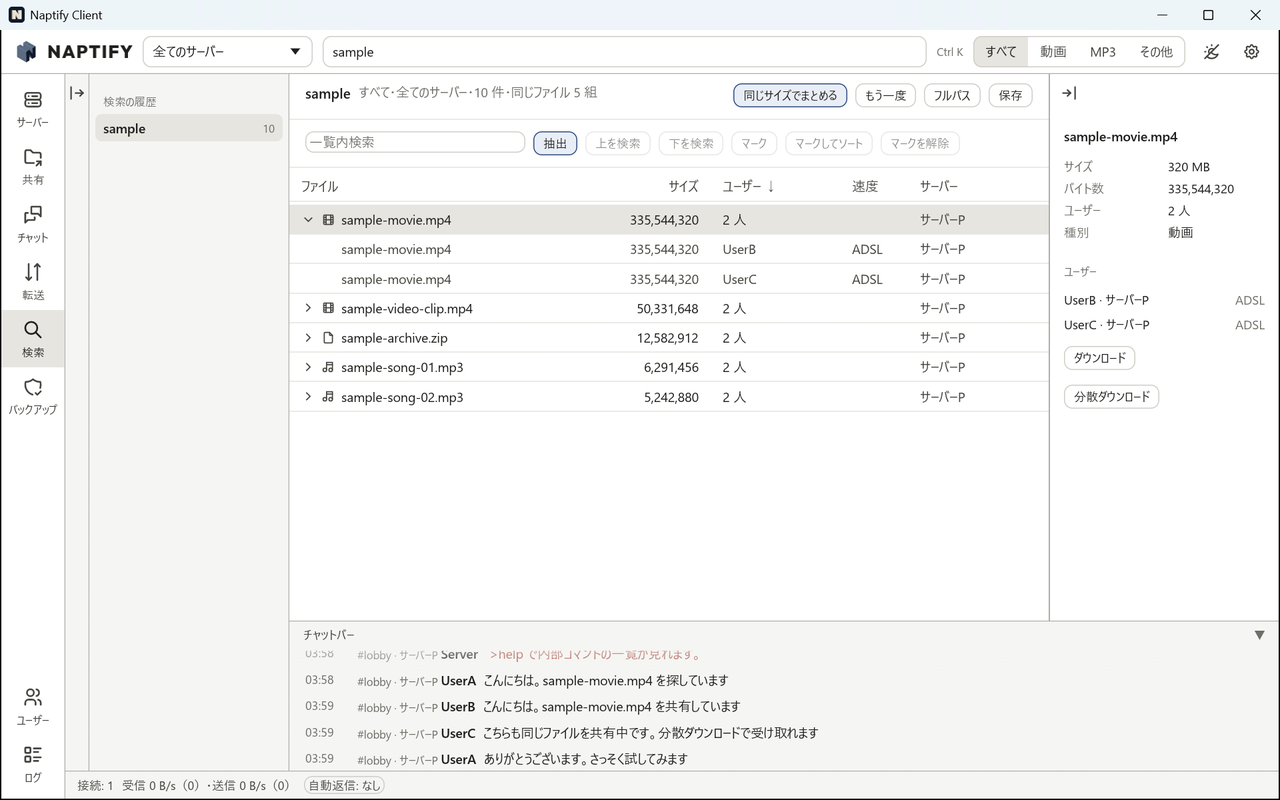
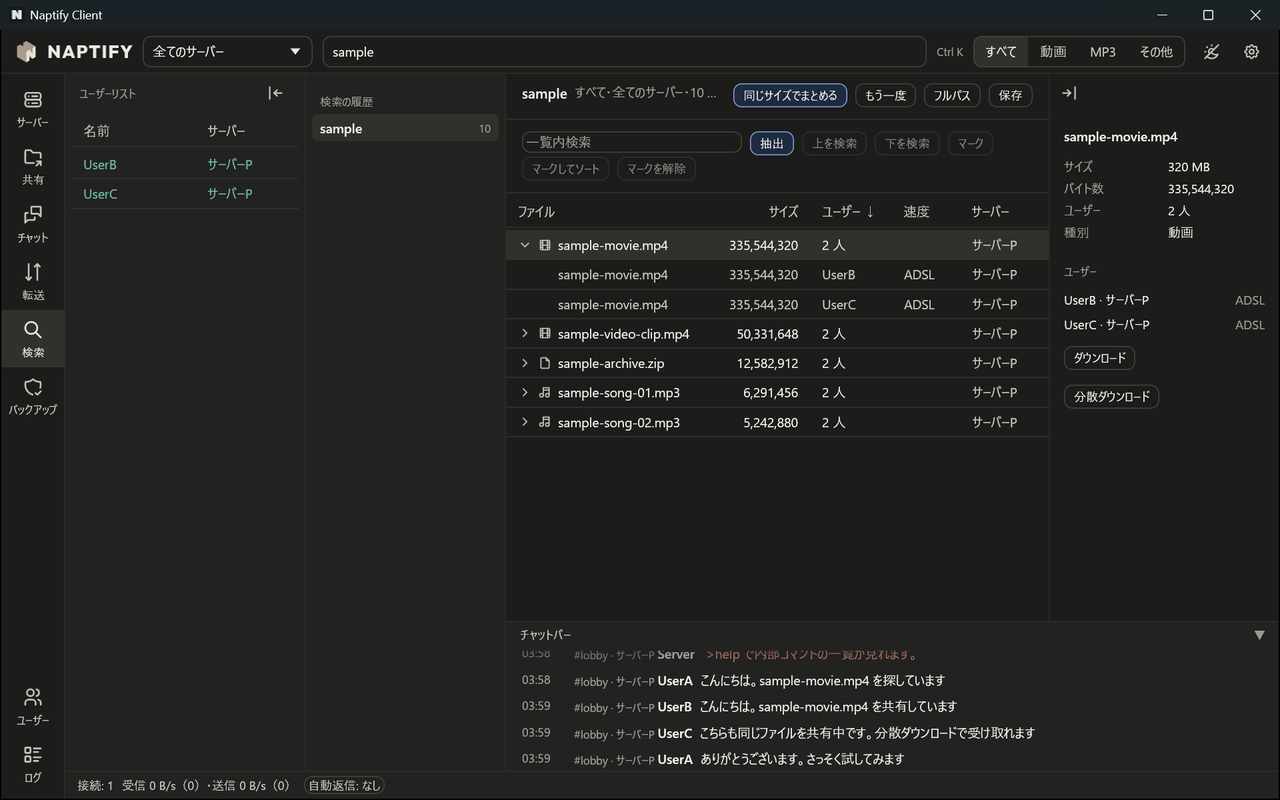
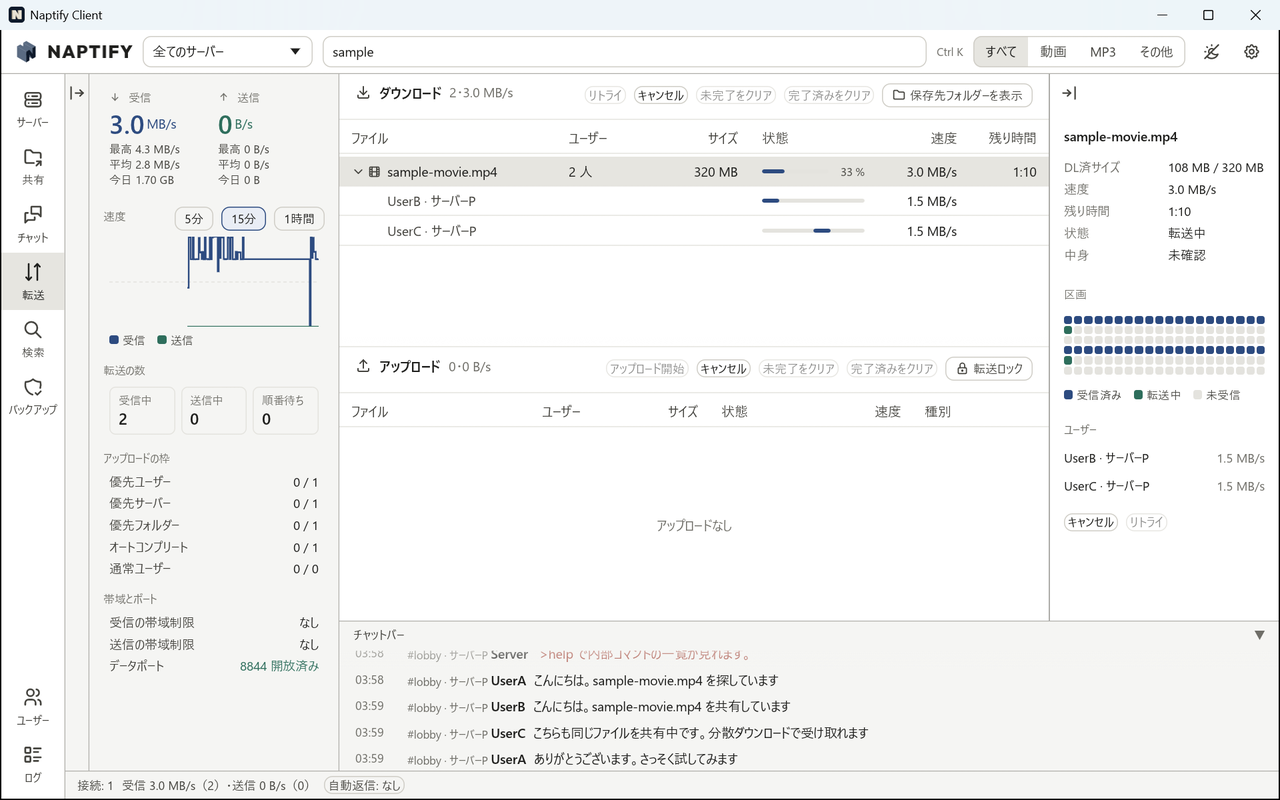
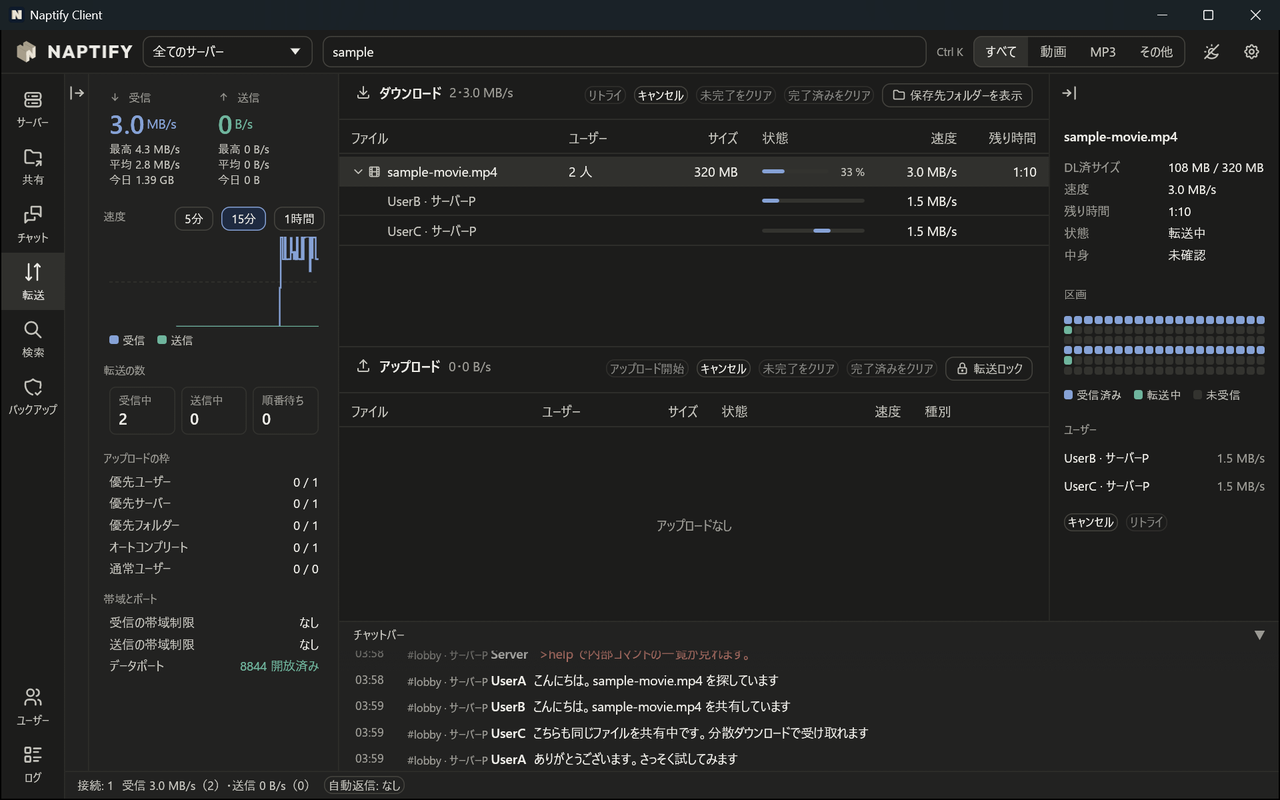
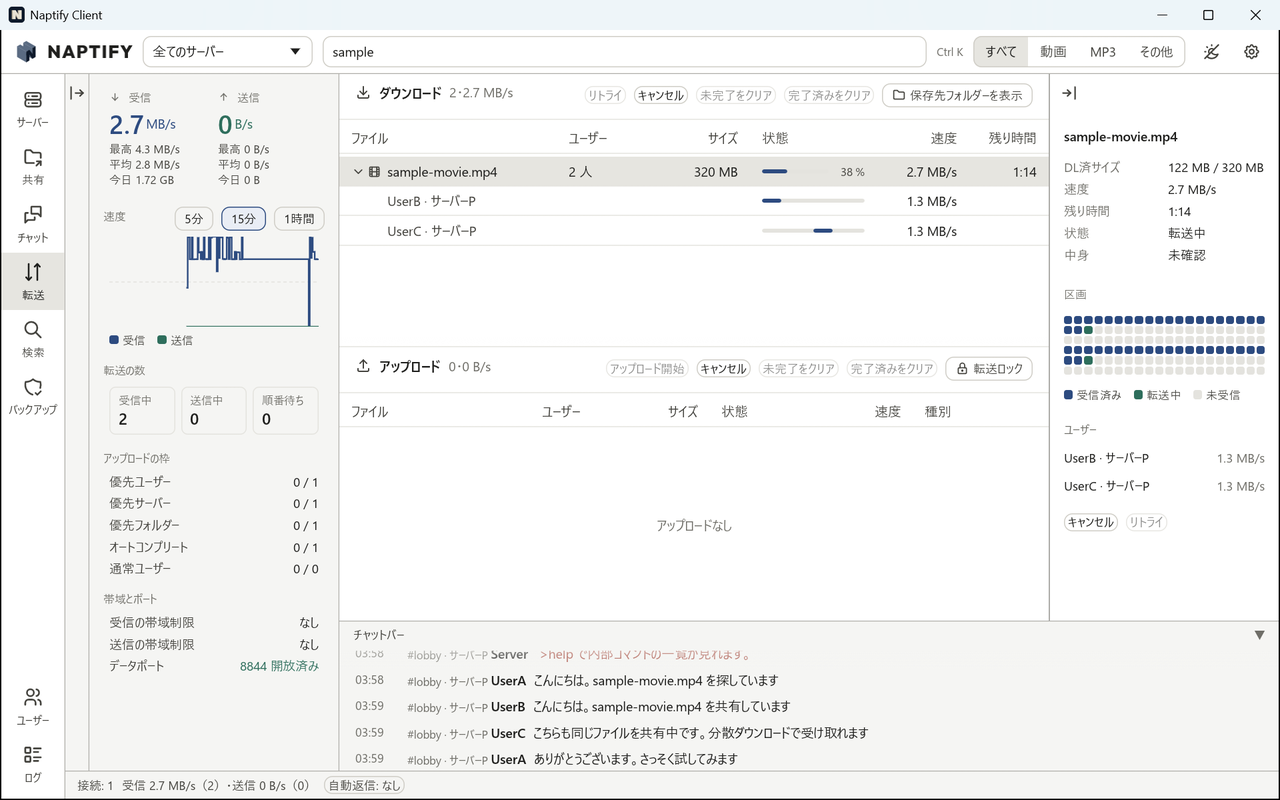
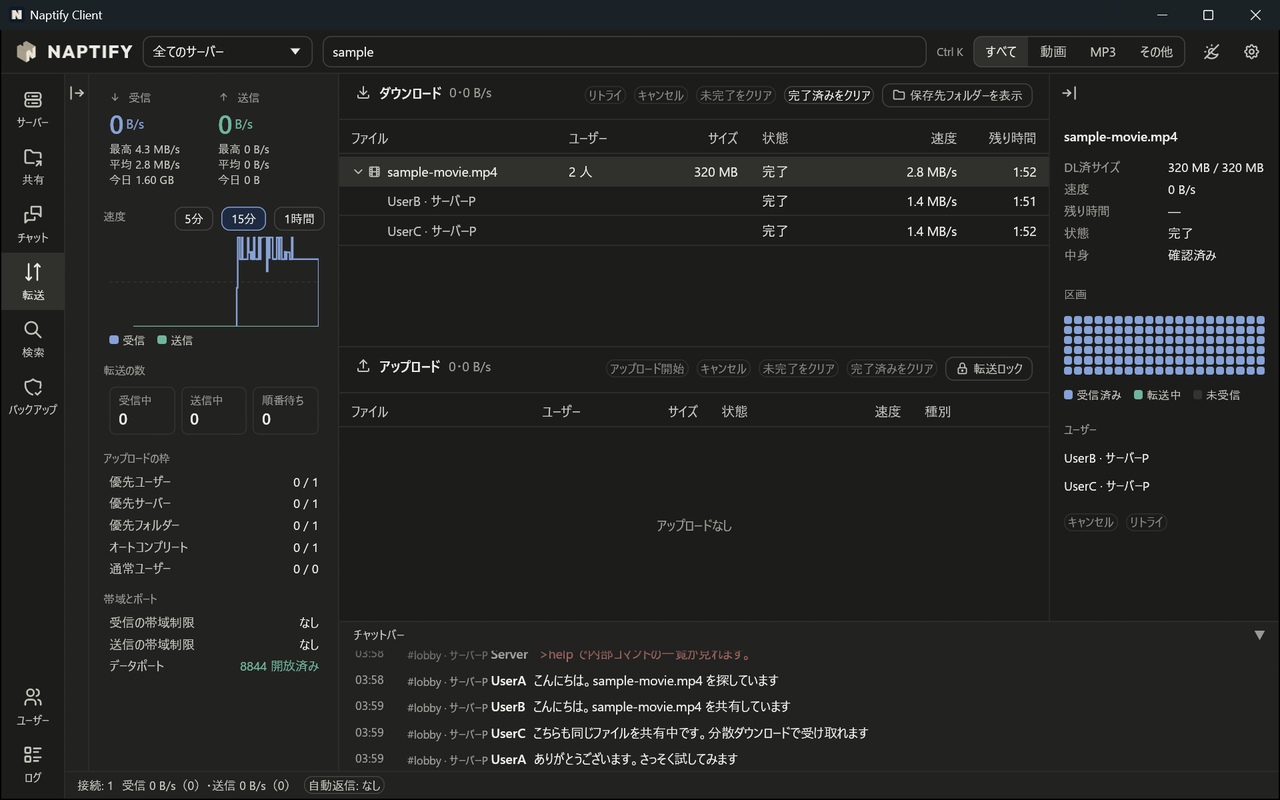
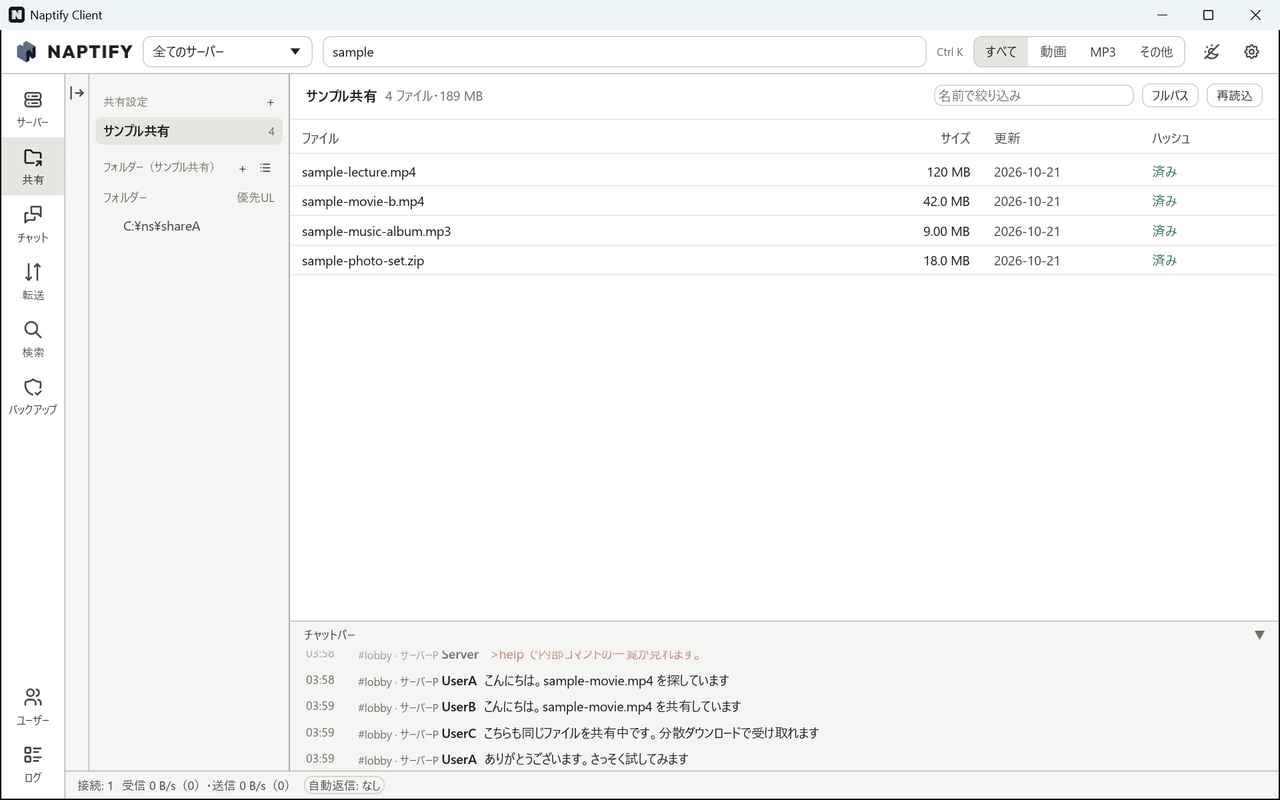
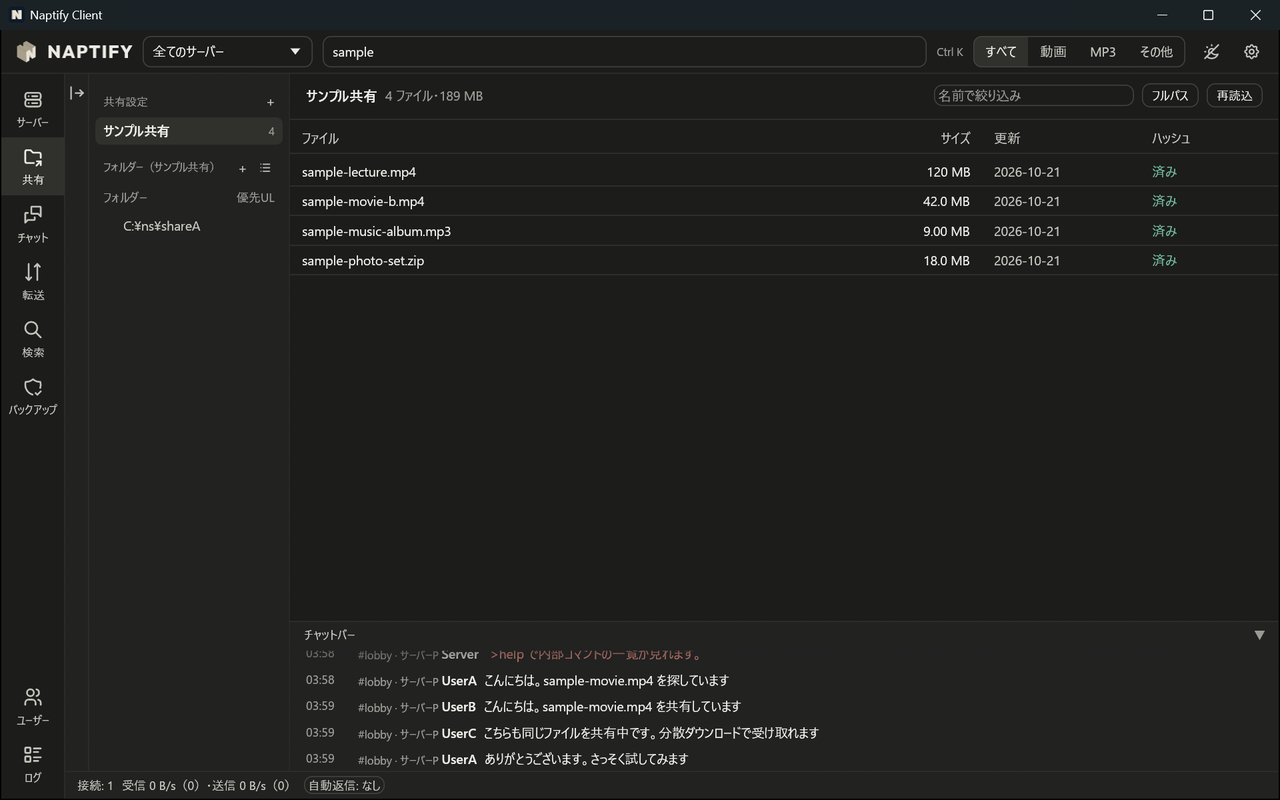
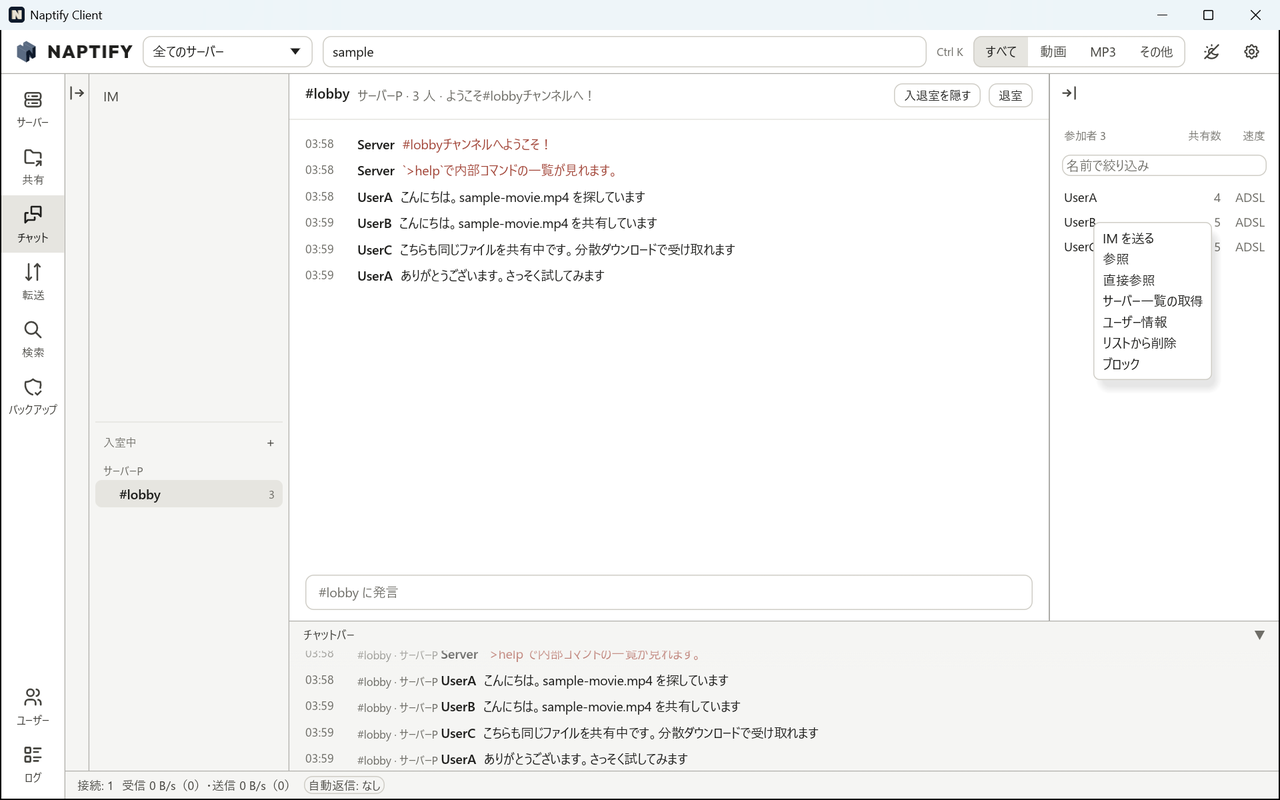
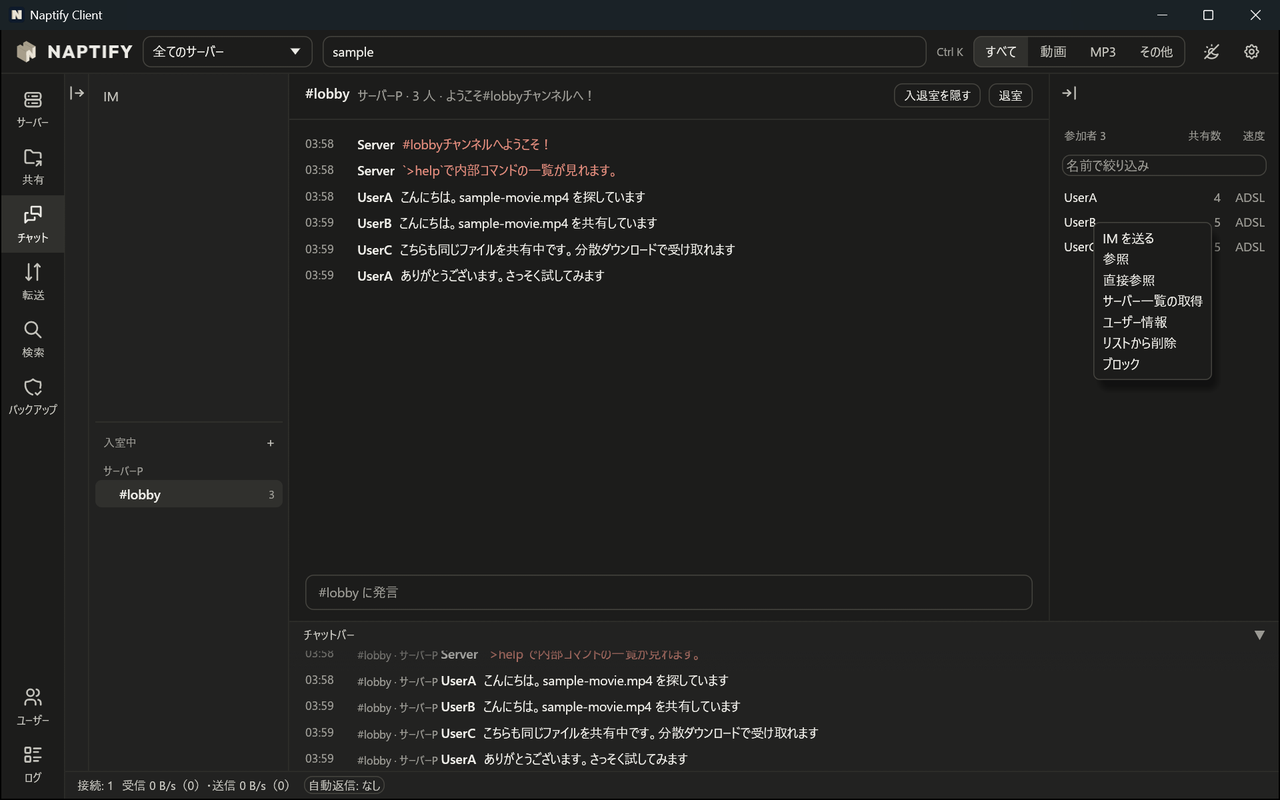
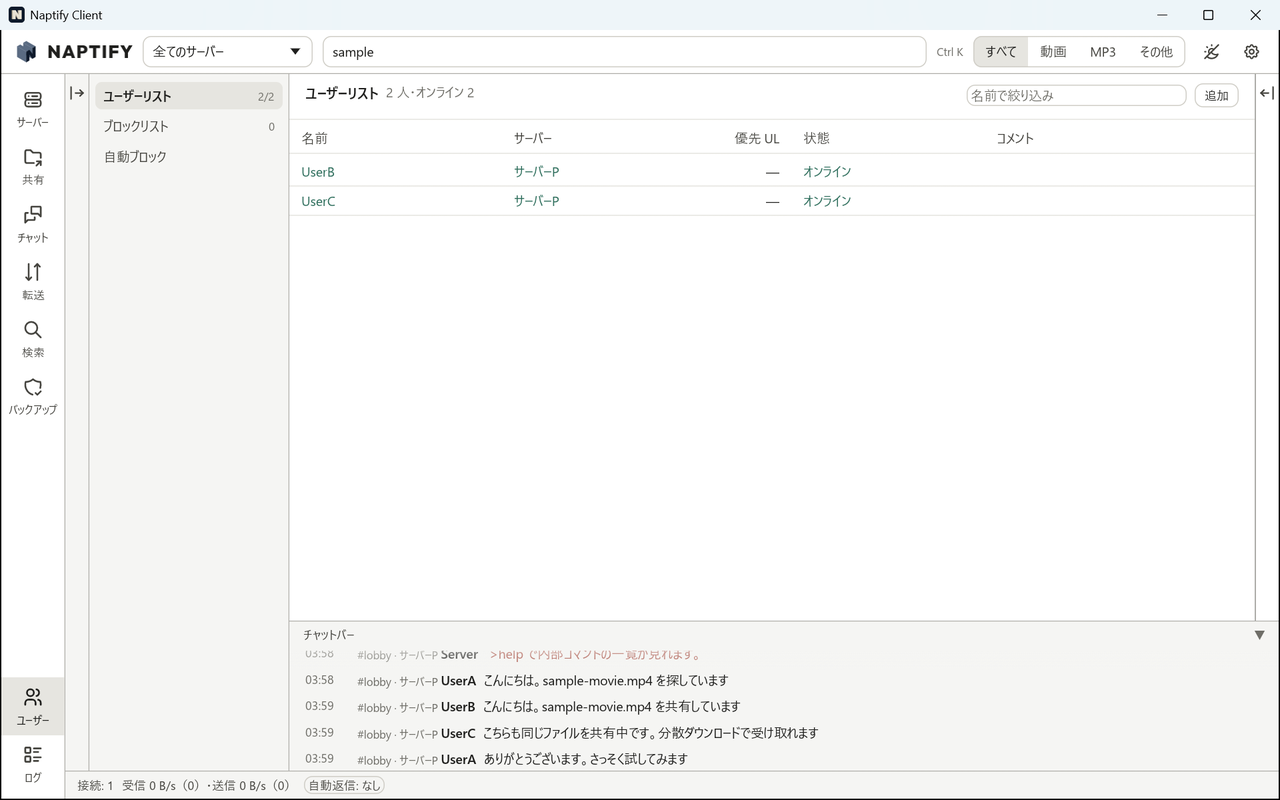
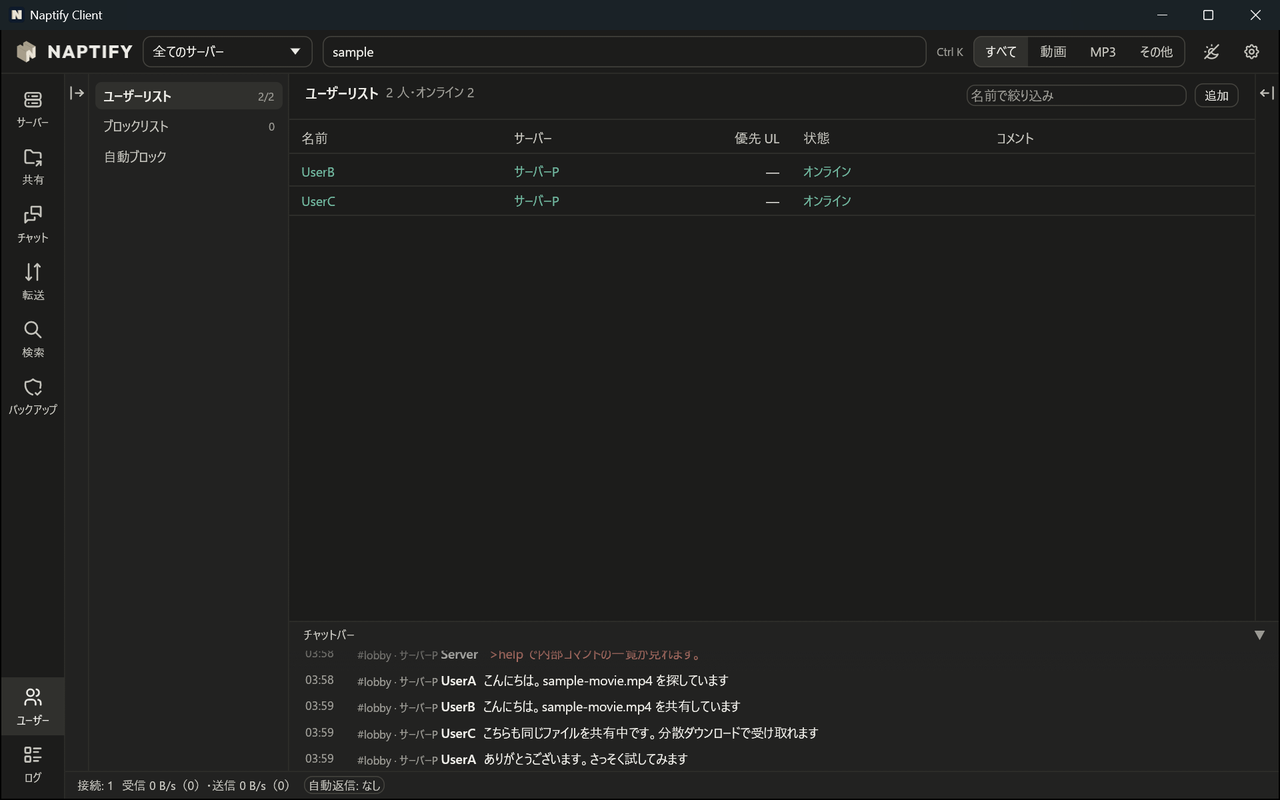
Settings
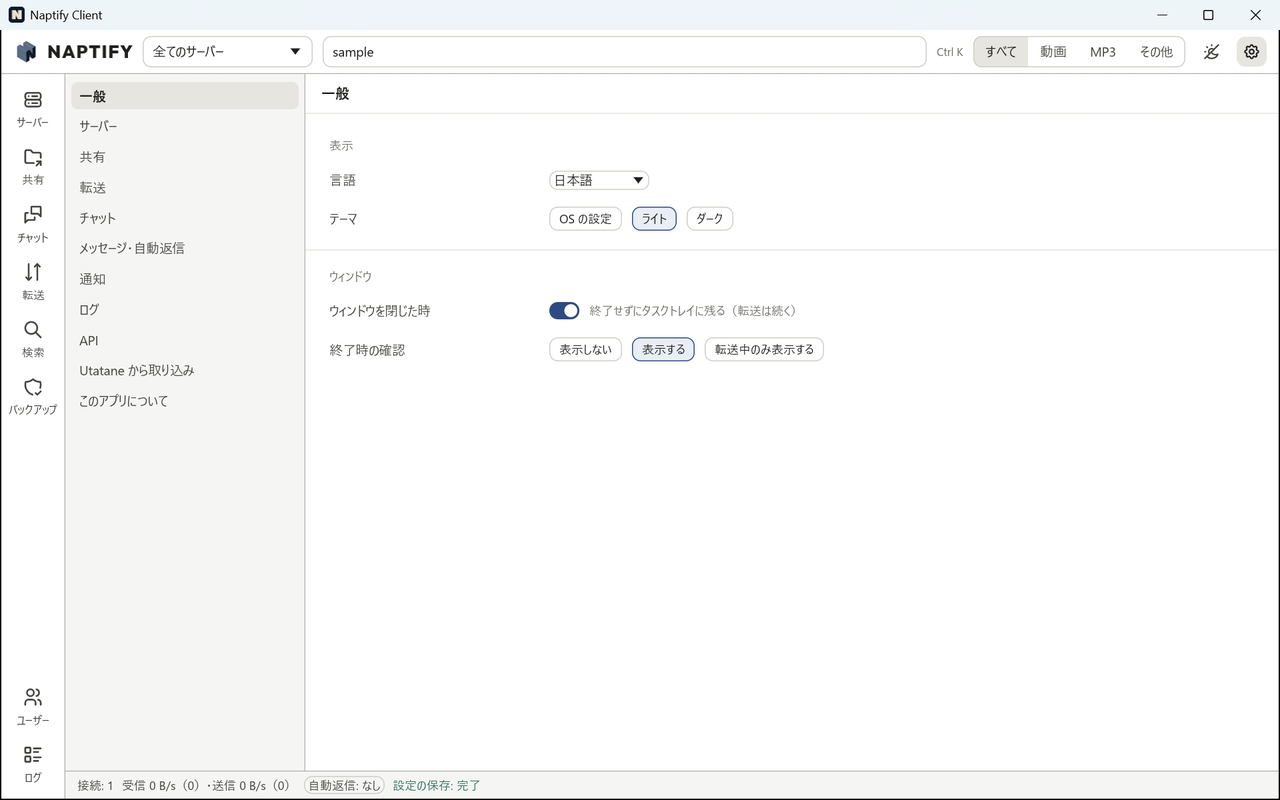
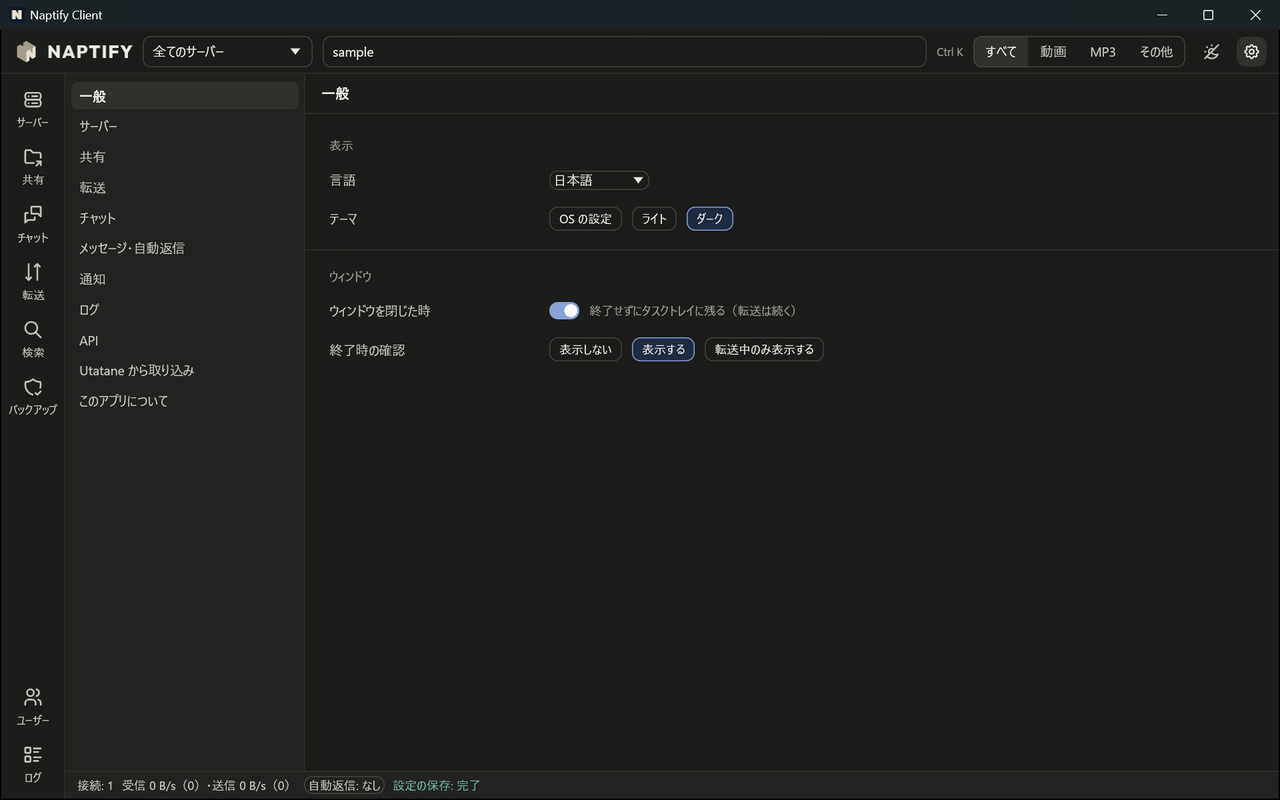
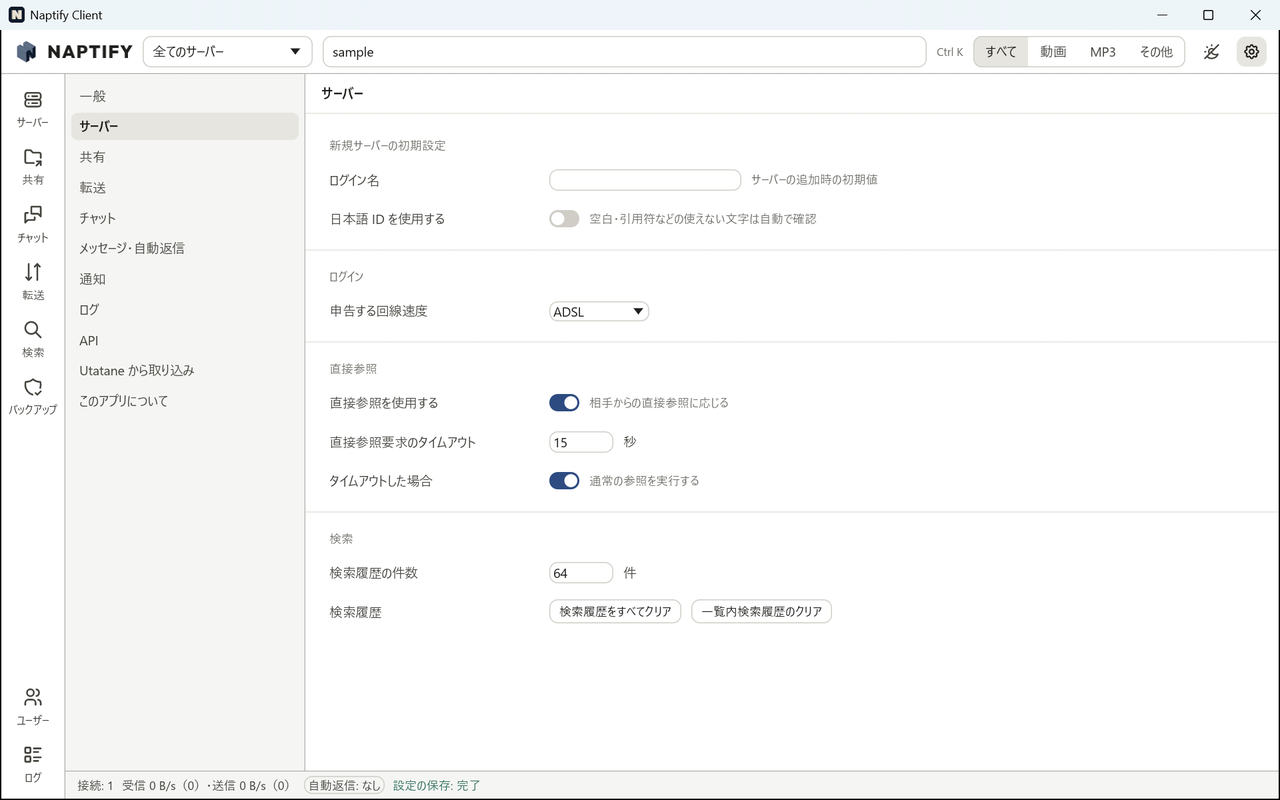
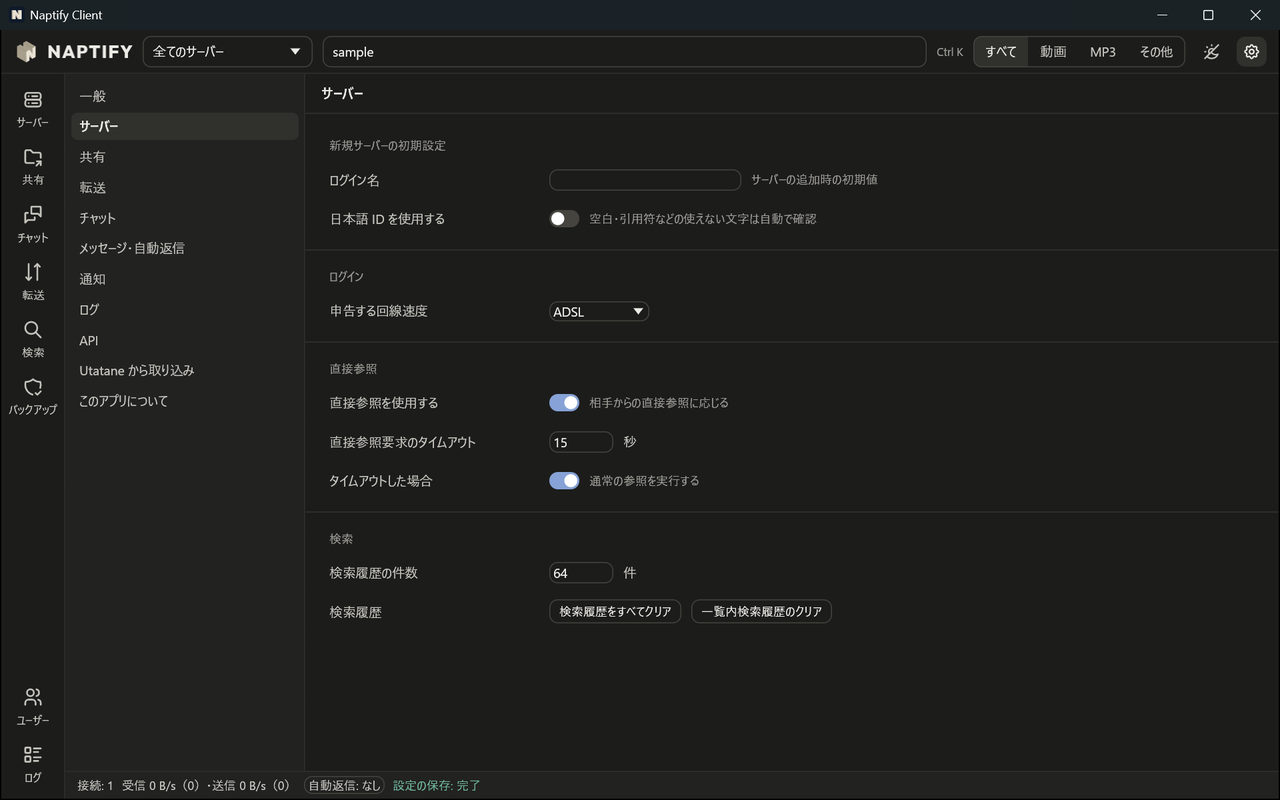
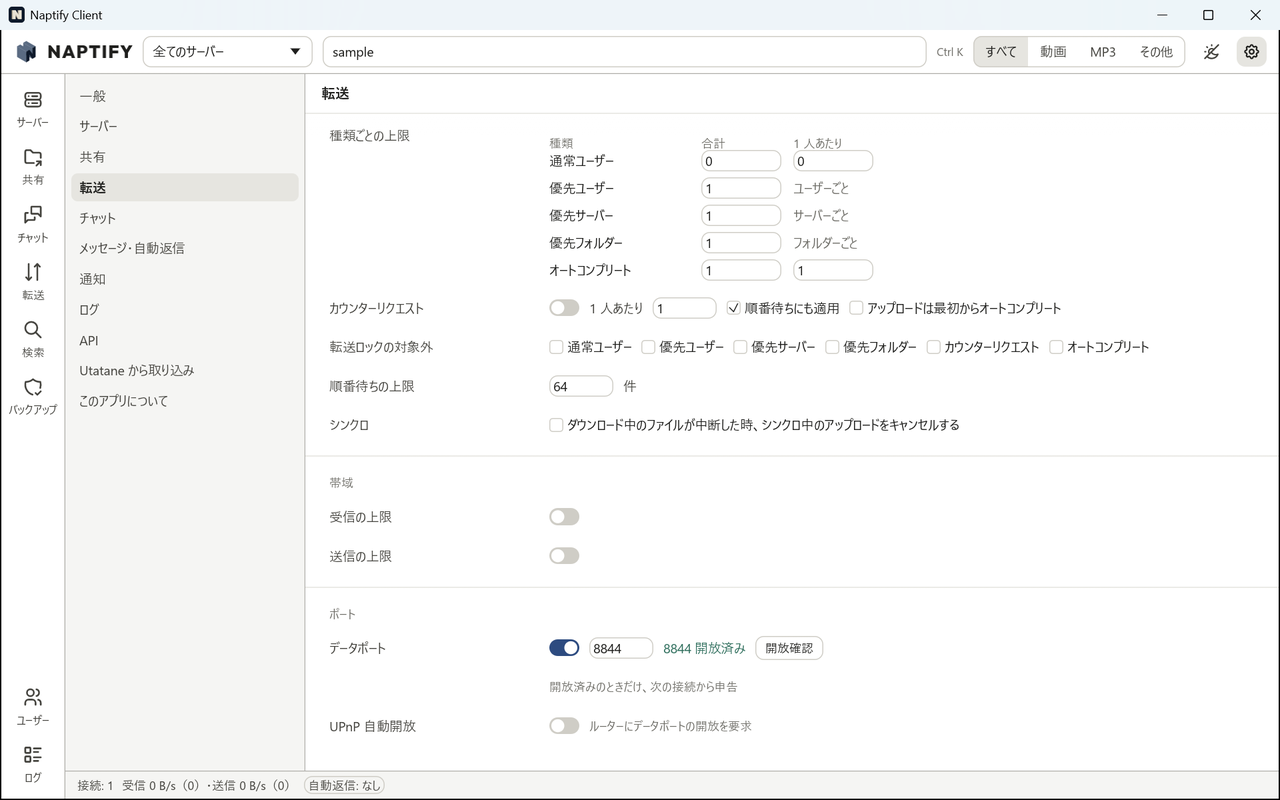
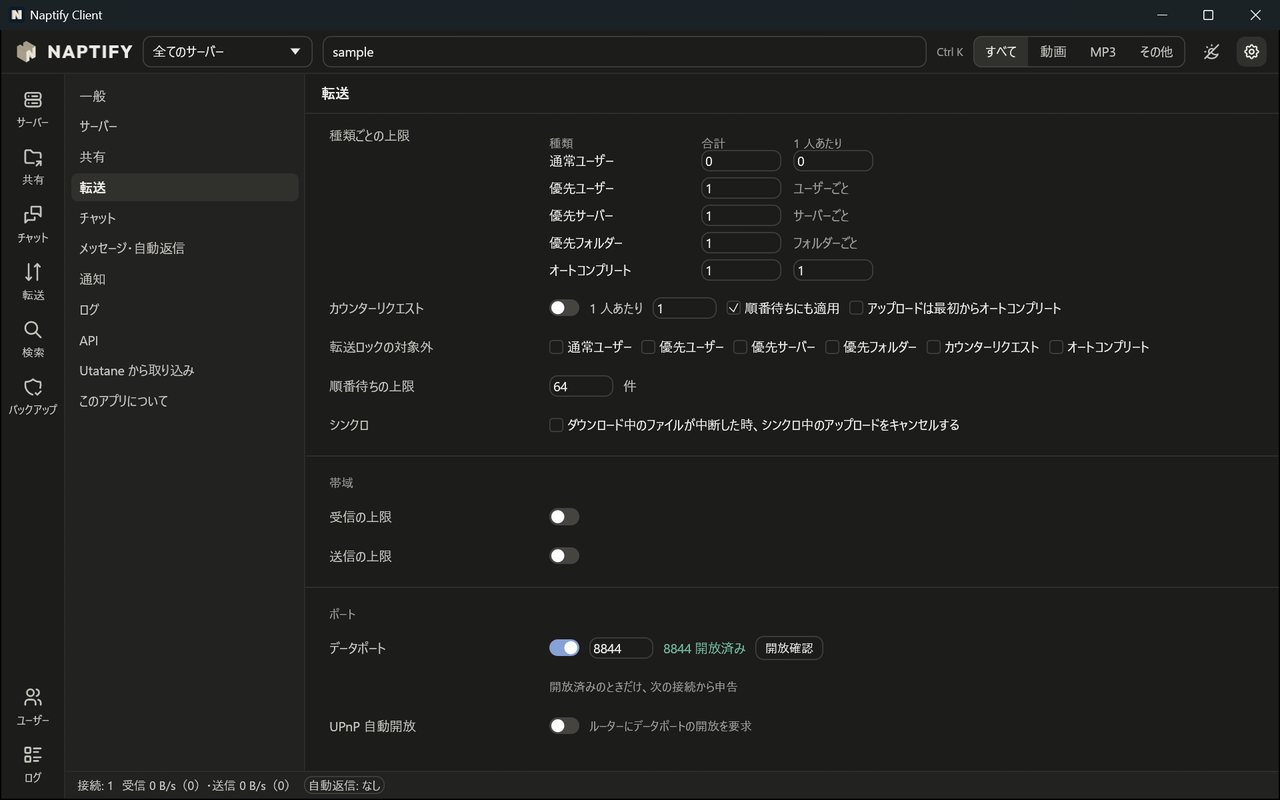
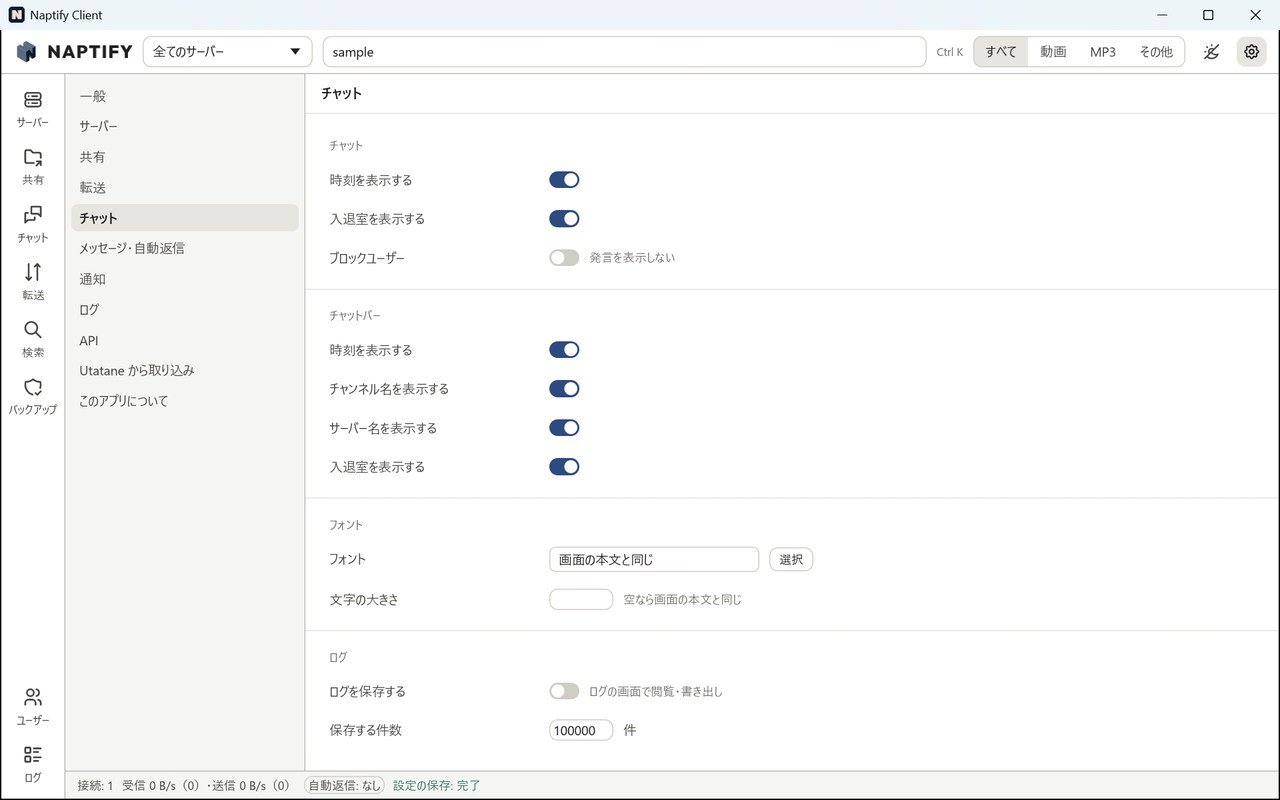
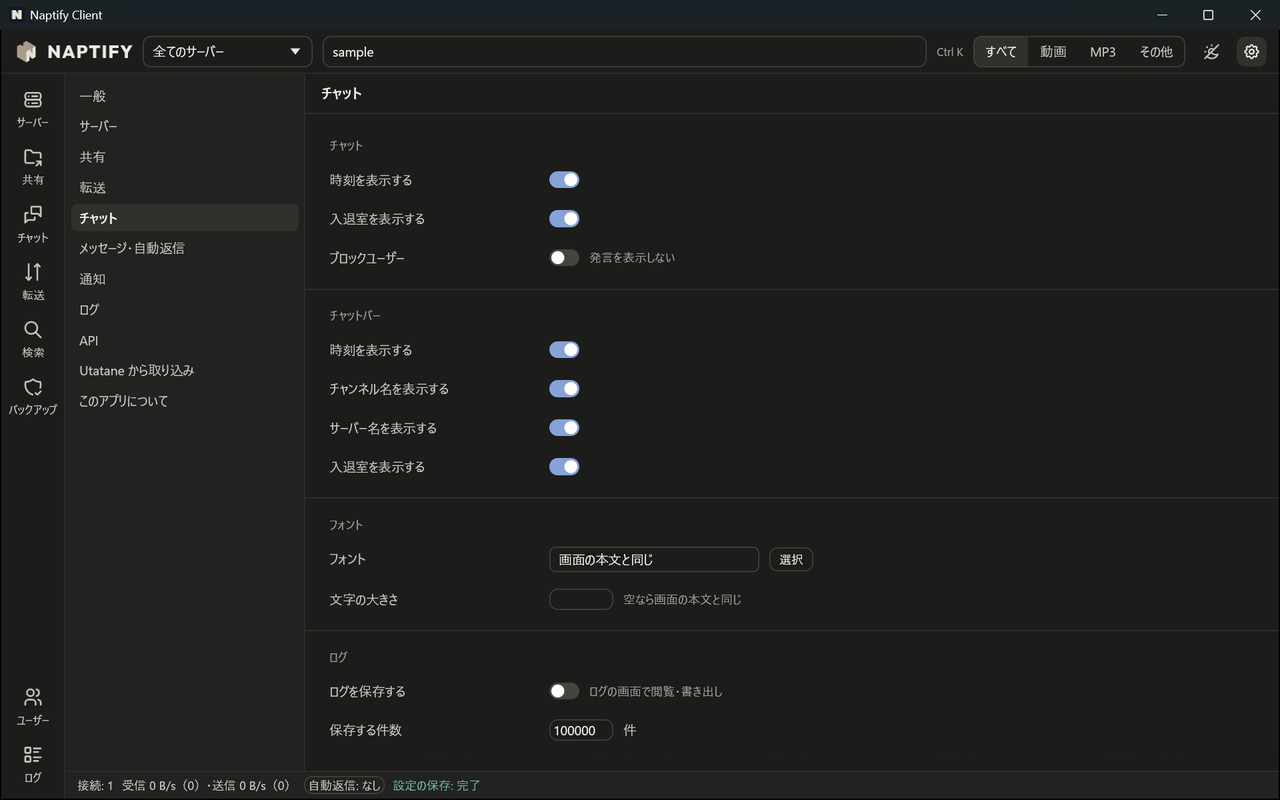
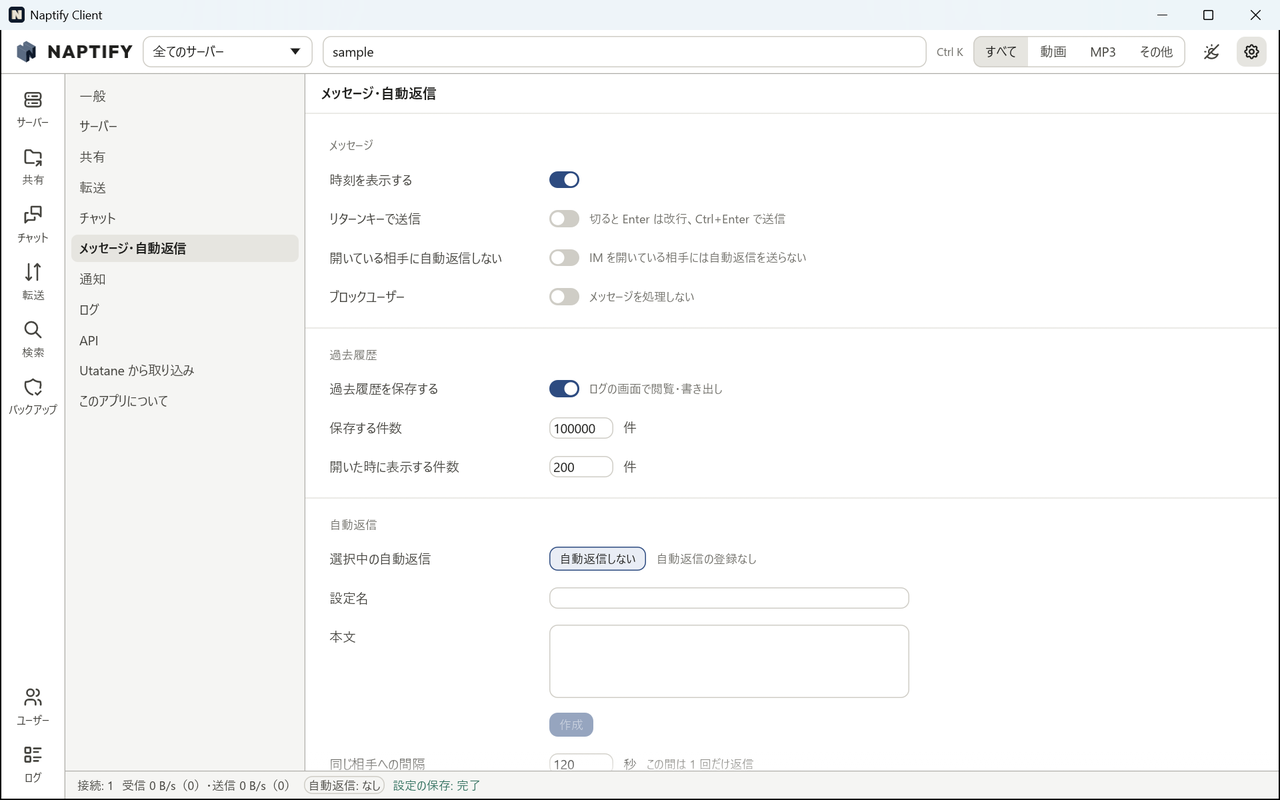
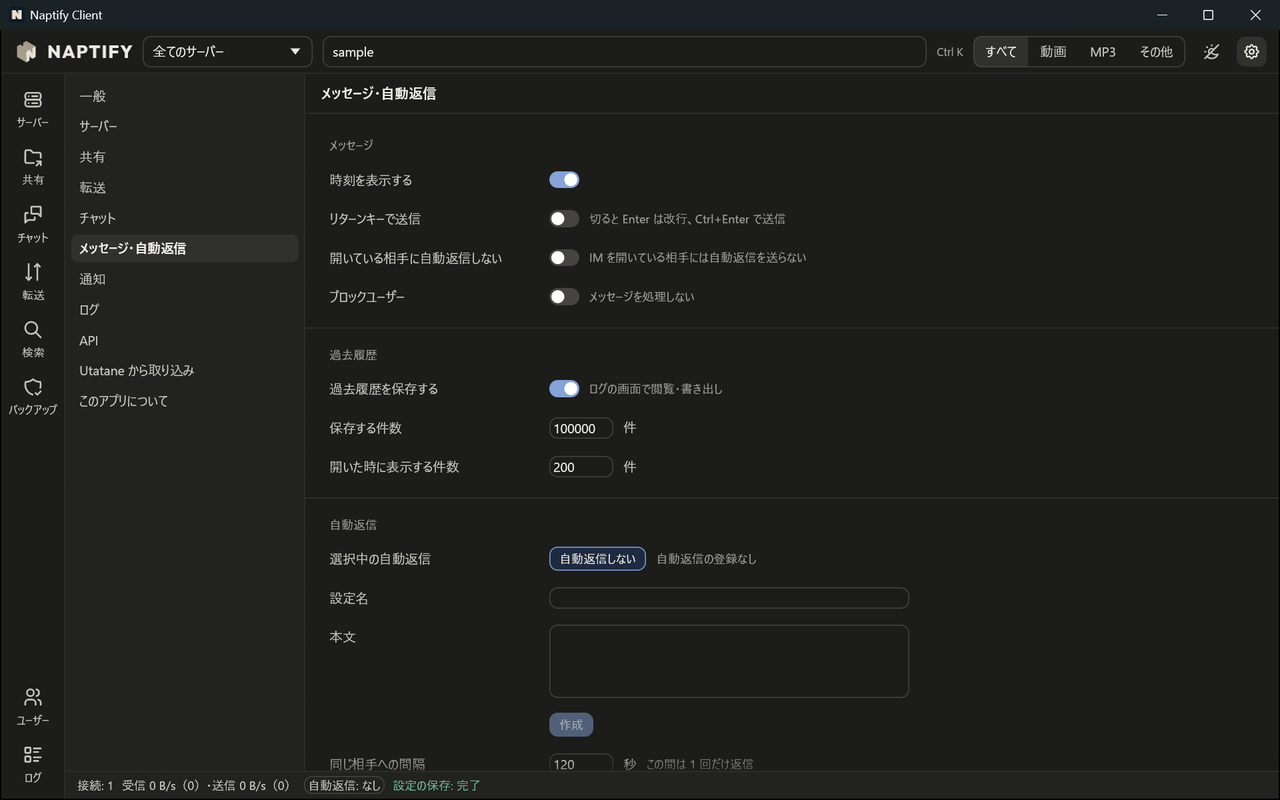
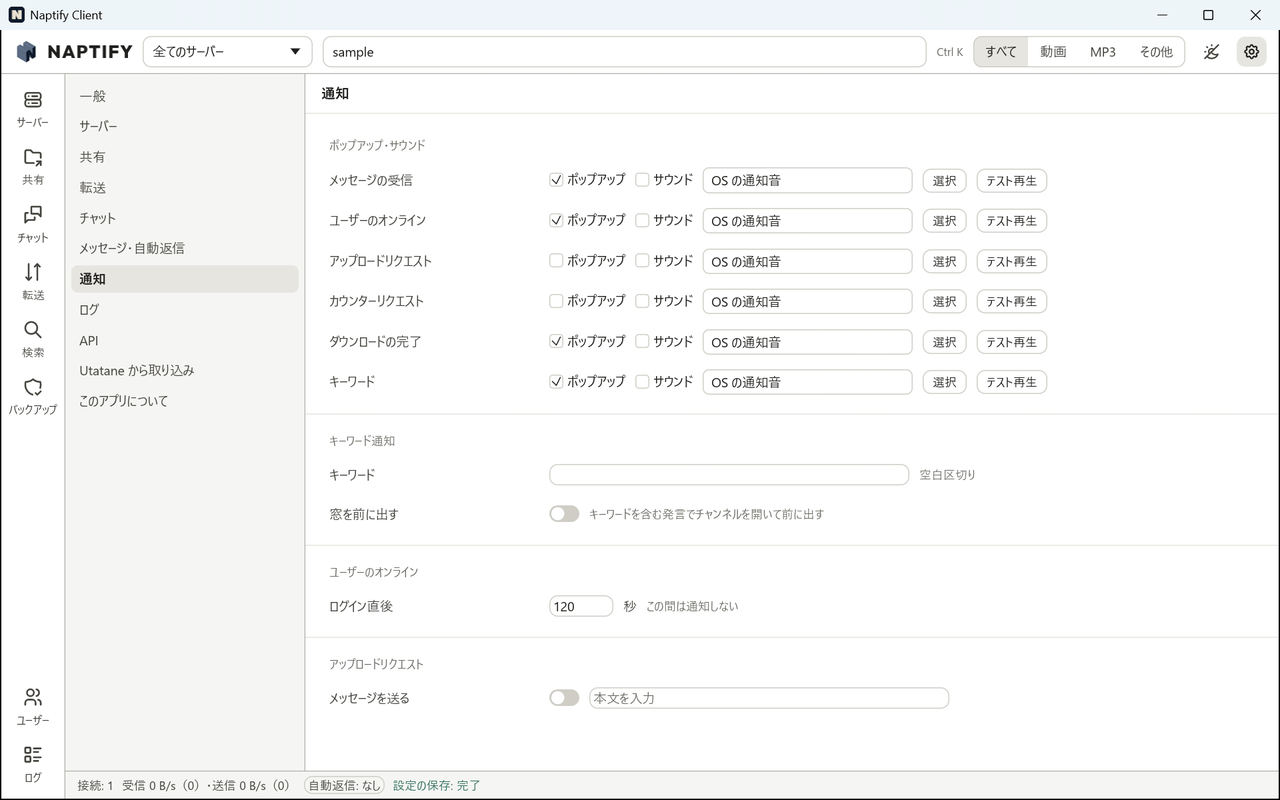
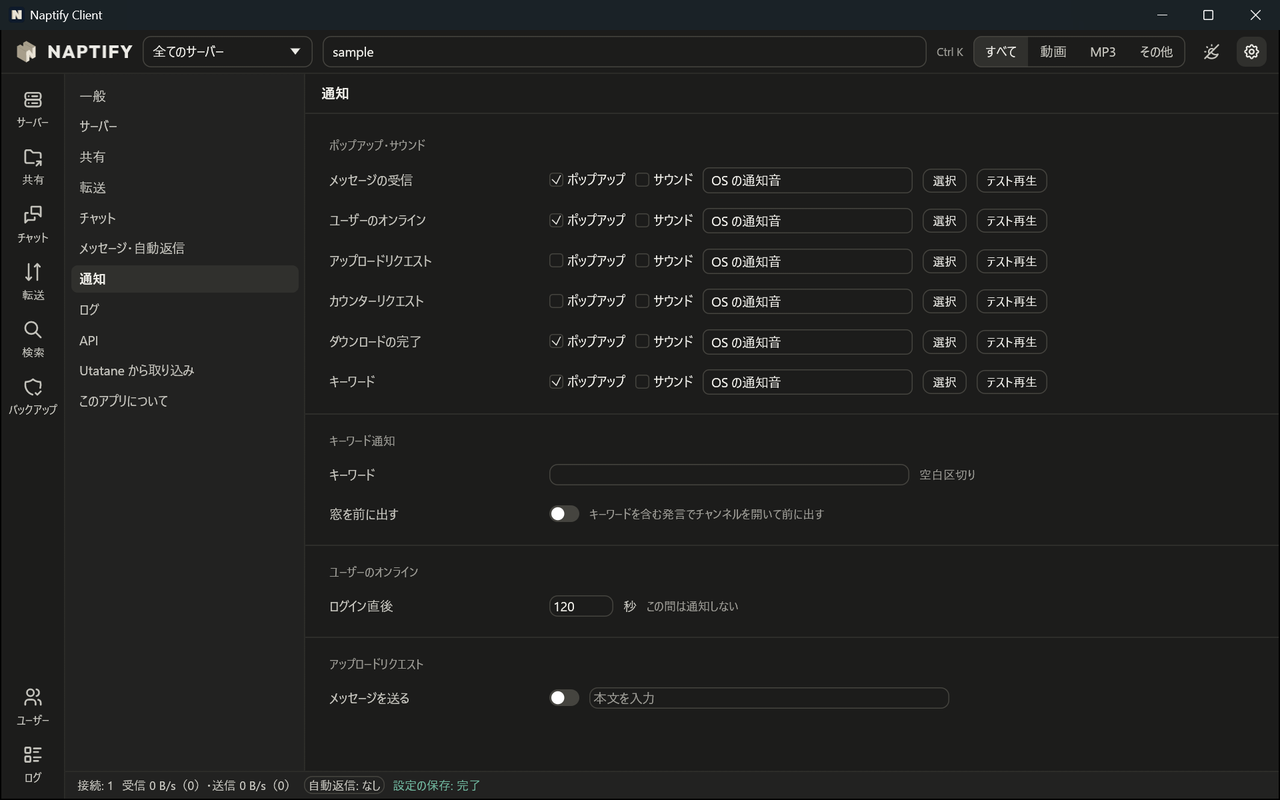
Works like Utatane
It covers the main features of Utatane.
| Servers | List (all, online, offline), add and edit, connect and disconnect, automatic connection at start-up, reconnecting after a drop, redirect servers |
| Chat | Channel list, joining and leaving, posting, member list with filtering, hiding joins and leaves, opening and copying URLs |
| IM | One-to-one messages, sending to several people at once, online status, auto-replies, user information (whois) |
| Sharing | Several share settings, shared folders (with or without subfolders), rescan, tree and flat views, shared extensions, option not to share hidden files |
| Search and browse | Search box (Ctrl K), types (all, video, MP3, other), history, filtering and marking within results, saving as CSV, grouping by size, browsing another user’s shared files |
| Downloads | Resume, retry, cancel, clearing finished items, limit on simultaneous downloads, automatic retry after a pause (autocomplete) |
| Uploads | Slot limits (by type and per user), priority users, servers and folders, transfer lock, sync, counter-requests, bandwidth limits, queues |
| User list and blocking | Hot list (comments, priority uploads, online notices), block list, automatic blocking (by shared files, queue length or client name), hiding blocked users’ messages and IMs |
| Logs and settings | Event log, IM history, chat logs, export and copy. Settings for General, Servers, Sharing, Transfers, Chat, Messages, Auto-reply, Notifications, Logs and API |
Naptify features
With other OpenNap servers it behaves like Utatane. The following work when you are connected to a supporting counterpart.
Connected to NAPTIFY Server
- Conversation in UTF-8 (emoji and ™ are sent and received as they are)
- Showing the number and size of the files registered on the server, and the progress of registering
- Compressed communication when registering shares
- Showing IMs sent from your other PCs with the same user name
- Encrypted connections (chosen per server; with a self-signed certificate, you check it before the password is sent)
- NAP Global Mesh Backup (only while connected to a supporting server)
Between NAPTIFY Clients
- Checking the contents block by block by hash and dropping sources that do not match (distributed download)
- Compressed transfers (files that would not shrink are sent as they are)
- Sending the part of a file already received, even while it is still downloading
- Encrypted transfers between users
For details, see SSL/TLS encryption, Distributed download and NAP Global Mesh Backup.
System requirements
| OS | Supported environment | Status |
|---|---|---|
| Windows | Tested on Windows 11 (64-bit) | Available |
| macOS | — | Not supported |
| Linux | — | Not supported |
Getting started
- Extract the downloaded zip to any folder (no installation needed)
- Run naptify-client.exe in the extracted folder
- On the Servers screen, add a server and connect (if you used Utatane, carry your settings over with Import from Utatane in Settings)
Cautions
- Windows only (macOS and Linux are not supported)
- On older servers without UTF-8 support, emoji and ™ become “?”, files whose names contain them are not registered for sharing, and words containing them cannot be searched
- Shared folder paths must be expressible in the Japanese character set (CP932)
- The API can be used only from this PC, not from other PCs on the LAN
- Only one program can run from the same folder
- Saved server passwords do not work on another PC or for another Windows user (enter them again)
Download
The latest release with SHA-256 and the changelog